
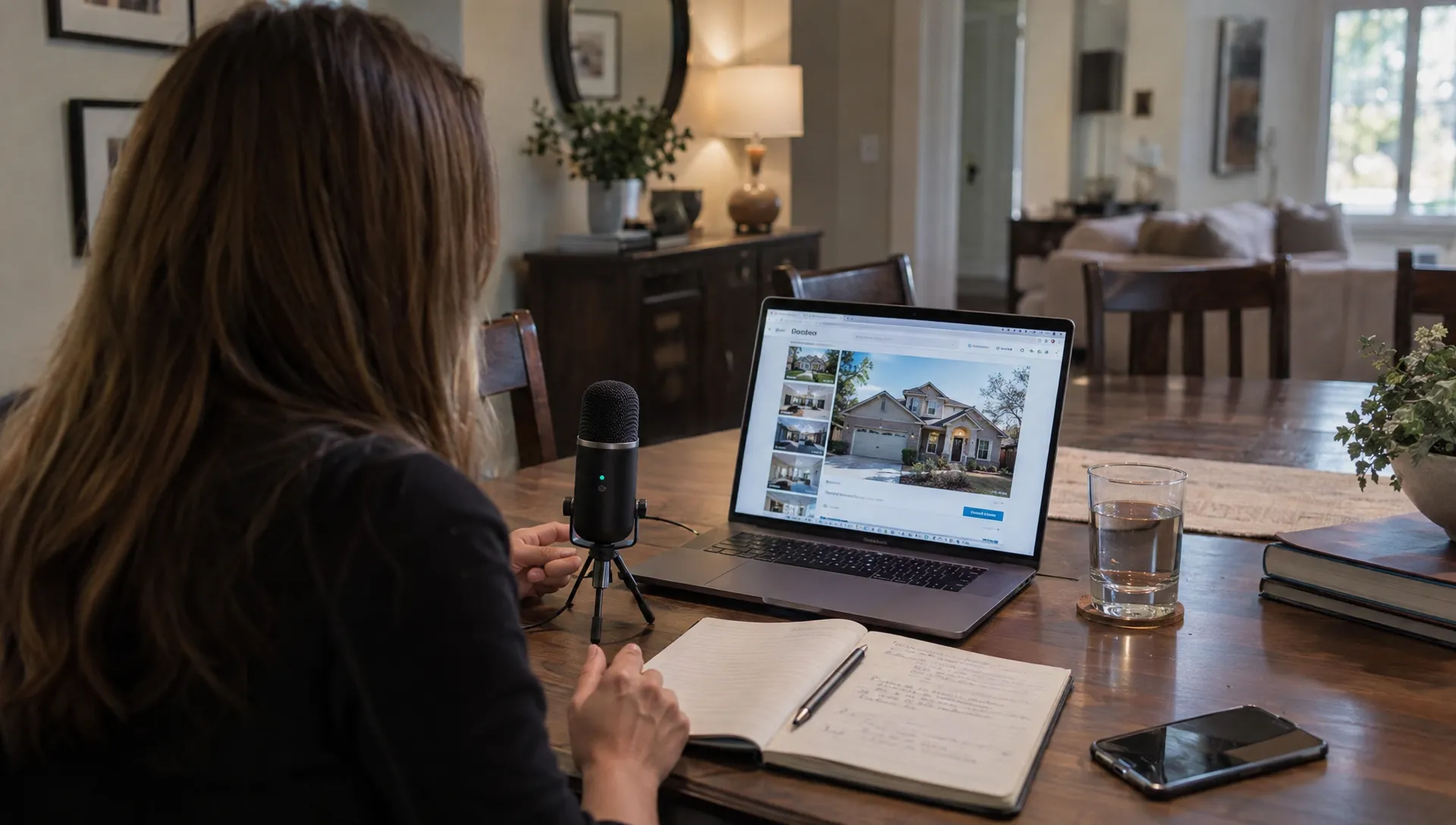
AI Voiceover for Real Estate Videos: Cloned Voice, Stock Voice or Your Own?
Choosing AI voiceover for real estate videos means deciding how buyers will hear your listing, not just how quickly you can publish it. Your own recording offers direct personal delivery. A stock AI voice avoids recording sessions. A clone can preserve a recognizable voice across repeated productions, provided you have explicit consent to create and use it.
The right choice depends on your workload, audience languages and tolerance for audio corrections. Test each option on a real property script before committing to a workflow.
Three narration options, compared
A convincing voice is only part of the decision. You also need accurate pronunciation, manageable revisions and permission to use the audio commercially.
| Criterion | Record your own voice | Stock AI voice | Clone of your voice |
|---|---|---|---|
| Personal connection | Your actual delivery and expression | Not tied to the listing agent | Resembles you, but delivery needs checking |
| Production effort | Requires recording and retakes | Requires generation and review | Requires setup, generation and review |
| Consistency | Can vary between sessions | Can be repeatable with stable settings | Can be repeatable, but results still vary |
| Other languages | Depends on your speaking ability | Depends on supported voices and languages | Depends on the provider and cloning model |
| Local pronunciation | You control it while speaking | May need spelling or pronunciation adjustments | May need the same adjustments as a stock voice |
| Permissions | Confirm ownership and any recording agreements | Check commercial licensing terms | Obtain explicit cloning consent and check usage rights |
Record yourself when personal delivery matters most
Your own recording is a strong choice when buyers already know your voice or when the property benefits from a nuanced explanation. You can emphasize an unusual layout, pause before an important qualification and pronounce familiar neighborhood names naturally.
When comparing AI voiceover for real estate videos with a personal recording, include retakes in the time calculation. A price change can mean setting up the microphone again and matching the original tone.
Record in a quiet, soft-furnished room. Keep your microphone position consistent and leave a little silence before and after each take. You can still use faceless real estate video formats, since recording narration does not require appearing on camera.
Choose a stock voice for a repeatable agency sound
A stock AI voice suits agents who do not want their personal voice attached to every listing. It can also give an agency a consistent narrator when several people prepare videos.
Choose for clarity rather than dramatic impact. A restrained voice that handles room descriptions well is more useful than one that sounds impressive for five seconds but rushes measurements.
Listen to a full paragraph before deciding. Check whether the voice sounds appropriate when stating a price or explaining a limitation. For a team, document the selected voice and settings alongside your listing video branding standards.
Use a clone when recognition and repeat production both matter
A clone can make sense when an agent wants their recognizable voice across regular listing videos without recording every script. It is still a synthetic performance. It may place emphasis differently, flatten an important sentence or pronounce a street name incorrectly.
Do not judge a clone only by how closely it resembles its source. Judge whether it communicates property information clearly. A convincing resemblance does not remove the need for review.
Treat setup as a separate task. Supply only recordings you have permission to use, follow the provider's recording requirements and approve a test before producing multiple listings.
Match the voice to your languages and local market
Multilingual AI voiceover for real estate videos needs more than a language selector. Check the specific combination of language, accent and voice you intend to publish. A provider may support a language without supporting it equally well for every stock or cloned voice.
Start with one approved factual script. Have each translation checked by someone who understands both the language and property terminology. Descriptions such as “first floor,” “ground floor” and room counts can create confusion across markets.
Adapt measurements and currency deliberately. Do not let translation silently convert a floor area or change how a price is presented. If you include converted measurements, verify them and use consistent rounding.
For local place names, decide which form your audience expects. A city may have different names in different languages. Ask a local speaker to confirm the intended pronunciation, including when the surrounding narration is in another language.
A familiar accent can support your presentation, but clarity comes first. Avoid choosing a voice because it supposedly sounds “premium.” That tells you little about whether buyers will understand it.
Write a script that works when spoken
Build from verified listing facts
Before writing, separate confirmed facts from assumptions. Use the approved property details, floor plan and relevant documentation. Photos alone cannot establish legal floor area, renovation dates, energy performance or permission for a particular use.
For AI voiceover for real estate videos, a factual error can sound especially convincing because the delivery is fluent. Review every claim before generating the audio.
Replace vague praise with useful information. “A separate kitchen beside the living room” tells buyers more than “an exceptional lifestyle opportunity.” Avoid suggesting who should live there. Describe the property rather than an imagined resident.
Check travel-time claims against a stated method. A walking estimate is not a driving estimate, and either may vary. Leave the claim out if you cannot support it.
Use short sentences, spoken numbers and deliberate pauses
Give each sentence one main job. Introduce the property, explain its layout, highlight a verified feature or invite the viewer to request details.
As a starting budget, try roughly 50 to 65 words for a 30-second video, then time the actual delivery. This is a working estimate, not a requirement. Leave room for visual transitions rather than accelerating the voice to fit more copy.
Write a narration version of numbers when the generator handles digits poorly. “Three hundred and twenty thousand euros” may work better than a currency symbol and digits. Keep the correctly formatted price in the on-screen text.
Here is a sample using hypothetical details that would need verification:
This two-bedroom apartment has a separate kitchen and a private balcony. From the entrance, the hallway connects the living room and both bedrooms. The asking price is three hundred and twenty thousand euros. Contact our team for the floor plan or to arrange a viewing.
Use full stops for clear breaks. Add explicit pauses only if your tool supports them. Do not assume brackets, slashes or markup will be interpreted as instructions rather than read aloud.
Test pronunciation in AI voiceover for real estate videos
Create a short test passage before generating the complete narration. Include the actual street or town name, a price, a measurement and any abbreviation that buyers need to hear.
Generate the same passage with each shortlisted voice. Compare intelligibility, emphasis and correction effort, not just vocal appeal. A clone should pass the same test as a stock voice.
If a name sounds wrong, first check the selected language and regional voice setting. Then try the tool's pronunciation controls, if available. A phonetic spelling or a more explicit spoken form may help. Change one thing at a time so you can identify what worked.
Keep pronunciation adjustments in the narration script only. The property name, captions and address should retain their correct written spelling. Avoid exposing a phonetic workaround in the published listing.
For abbreviations, decide whether to say individual letters or the full term. “Square meters” is usually clearer in narration than a written unit symbol. Energy ratings and technical terms should be spoken in a way that makes sense locally.
Save approved pronunciations in a shared agency note. Regenerate a sentence after changing it, then check the complete paragraph. A correction can affect the rhythm around it.
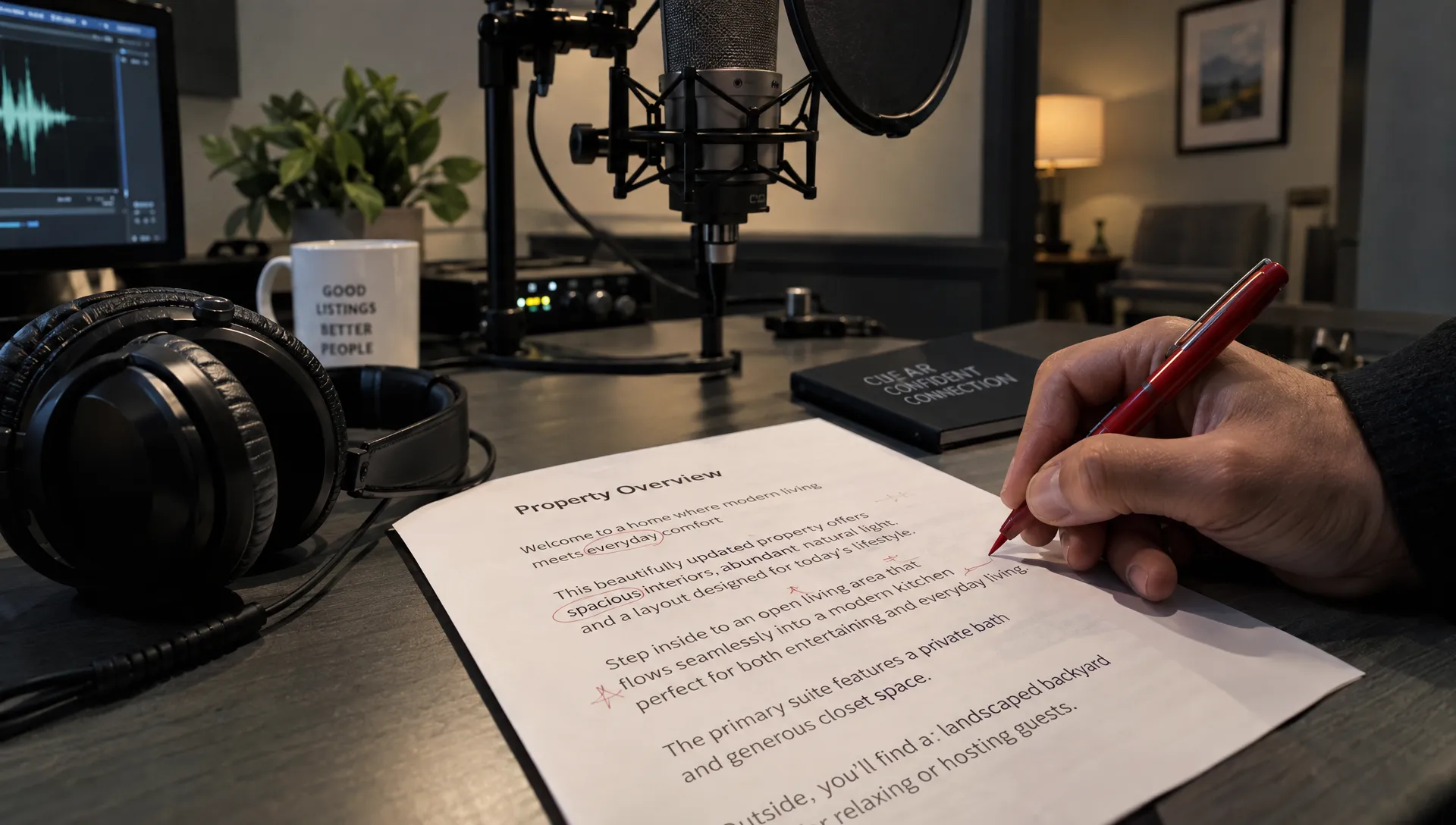
Set consent, licensing and disclosure rules before publishing
Clone a voice only with explicit consent
Only clone a person's voice with that person's explicit consent. Publicly available recordings, a colleague's past video or a seller's voice message are not permission to create a clone.
Keep written approval that identifies the person, intended uses and agreed limits. Address commercial listing videos, publishing channels, languages and who can generate new audio. For an agency employee, agree what happens when they leave and whether existing videos can remain online.
Check the provider's terms too. Review rights to uploaded recordings and generated audio, sample retention, deletion options and any use of recordings for model training. Establish who controls the account and who can access the voice.
Permission to record someone should not be treated as permission to synthesize new speech in their voice. Never use a clone to imply that a seller, colleague or public figure endorsed a statement they did not approve.
Be clear with viewers about synthetic narration
Transparency should be part of your AI voiceover for real estate videos workflow, not a decision made after export. Use plain language where synthetic speech could affect a viewer's understanding of who is speaking.
For example: “AI-generated narration using the listing agent's voice, with permission.” For a stock voice, “AI-generated narration” may be a suitable explanation. Placement and wording should follow your local rules and the destination platform's requirements.
Platform policies differ. Check the current YouTube guidance on altered or synthetic content when publishing there rather than assuming every use of synthetic audio has the same disclosure requirement.
If the video also uses virtual staging or retouched photos, identify those alterations clearly. Do not let narration imply that digitally added furniture or altered finishes are included in the property.
Synchronize narration with the property, not just the timeline
Let viewers see a feature while they hear about it. Mention the balcony during its image, not over a bathroom photograph. Introduce the layout when the relevant rooms or floor plan are visible.
A useful editing method is to assign one spoken idea to each visual sequence. If the audio needs more time, simplify the sentence or extend the relevant shot. Avoid speeding up the narrator until the information becomes difficult to follow.
The final check for AI voiceover for real estate videos must include the exported video. Audio that sounds natural alone can feel rushed beside short transitions or become unclear under music.
Keep background music low enough that every word remains understandable on a phone speaker. Check the opening and closing words for abrupt cuts. Listen for unnatural breaths, repeated sounds, sudden changes in tone and pauses inside prices or place names.
Captions need their own review. Correct names, numbers and punctuation rather than trusting automatic transcription. Watch once with the sound muted. The property, key information and next step should still be understandable.
Use a repeatable final audio check
Have someone other than the script writer review the video when possible. A second listener is less likely to mentally correct a familiar mistake.
Use this short approval checklist:
- Facts: Match spoken claims to the approved listing information and supporting documents.
- Pronunciation: Confirm place names, prices, measurements and necessary abbreviations.
- Delivery: Remove awkward emphasis, rushed passages and distracting synthetic artifacts.
- Synchronization: Make sure the relevant property feature appears while it is discussed.
- Sound: Test with headphones and a phone speaker at normal listening volume.
- Captions: Check spelling, numbers and readability, including a muted viewing.
- Permissions: Confirm commercial rights, cloning consent and appropriate disclosures.
Save the approved script, voice settings and final export together. If a price or feature changes, update the narration, captions and on-screen text as one revision. A corrected audio track paired with an old price card is still an inaccurate video.
Frequently asked questions
Can AI add voiceover to an existing property video? Yes, tools that support narration can generate speech from a script for use with an existing edit. When choosing AI voiceover for real estate videos, check whether the workflow lets you adjust timing and replace individual passages. Review the exported result rather than relying on an audio preview.
Is a cloned voice more authentic than a stock voice? It can be more recognizable, but recognition is not the same as natural delivery. A well-chosen stock voice may handle a particular script more clearly. Compare both using your local names and typical property descriptions.
Can my cloned voice narrate in another language? That depends on the provider, supported languages and voice model. Test the exact language you need and have a fluent speaker review the translation and pronunciation. Do not assume that a convincing voice resemblance means the spoken language is accurate.
Should I narrate every detail in the listing? No. Use the video to explain a few verified features and the next step. Keep supporting information accessible in the listing and include any disclosures required for the format under your local rules.
Choose with a short production test
Take one approved script and produce a short sample with your own recording, a stock voice and a consented clone. Compare clarity, correction time and how naturally each fits the property footage. Choose the option you can review reliably, not simply the fastest first draft.
For an integrated workflow, Diane's AI real estate video creator turns listing photos and details into narrated videos, with voice cloning, AI avatars and social media formats. Whichever workflow you use, approve the facts, pronunciation and permissions before publishing.