

Faceless Real Estate Videos: 7 Formats That Work Without Showing Your Face
Faceless real estate videos let you show a property, explain its layout and answer buyer questions without appearing on camera. You can build them from listing photos, recorded walkthroughs, neighborhood footage or simple slides. The strongest format is the one that shows buyers what they need to know, not the one with the most effects.
Below are seven practical options, with the assets each needs, situations where it fits and limitations to watch. Most are genuinely faceless. An AI avatar is slightly different: it replaces the on-camera presenter rather than removing one entirely.
Choose the format that fits your material
Start with what you already have permission to use. A photo-only listing needs a different approach from a property you can film freely.
| Available material | Useful starting formats | Buyer question to answer |
|---|---|---|
| Approved listing photographs | Narrated photo video or text-on-screen reel | What makes this property worth a viewing? |
| Access to the property | Voiceover walkthrough or POV clips | How does the space work in practice? |
| Local footage or verified market data | Neighborhood b-roll or market slides | Does this location or market fit my plans? |
| An approved script and presenter assets | AI avatar video | What should I understand before taking the next step? |
Build each video around one question. A compact listing introduction does not also need to explain the entire local market.
1. Photo-based listing videos with narration
What it needs: Approved property photographs, verified listing details and a short narration. Arrange the images in a logical sequence, such as exterior, living space, kitchen, bedrooms and outdoor space. Gentle movement and simple transitions can connect the photographs without suggesting that you filmed a continuous tour.
For agents starting with faceless real estate videos, this is a practical first format because it uses assets already prepared for the listing. The narration should add information rather than describe what viewers can see: “The kitchen opens directly onto the terrace” is more useful than “Here is the kitchen.”
When it works: New listing announcements, property summaries and updates when professional photographs are available but fresh footage is not.
Limits: Still images cannot fully explain circulation, ceiling height or street noise. Do not imply that animated photographs show an actual walkthrough. If photographs are retouched or virtually staged, clearly identify material alterations and show the property's actual condition too. Never remove permanent defects or invent architectural features.
2. Text-on-screen reels
What it needs: A small selection of photographs or short clips, readable text and one clear message. Start with a concrete feature: “Two bedrooms, a separate study and a south-facing balcony.” Follow with supporting images, then a closing screen with the listing reference and contact route.
When it works: Quick property introductions, price updates or answers to a narrow question. Faceless real estate videos built around text are also useful when viewers encounter your content without sound. Make the message understandable without relying on music or narration.
Keep each screen focused. If someone has to pause repeatedly to read a paragraph, reduce the text or split the subject into another video.
Limits: Text cannot carry every qualification in a listing. Avoid tiny disclaimers and claims such as “fully renovated” unless you have checked what that means for the property. Keep key information away from interface buttons and captions. When adapting the edit, follow a consistent approach to formatting real estate videos for social media rather than cropping blindly.
3. Voiceover walkthroughs
What it needs: Actual footage of the property, a planned route and a separately recorded voiceover. Film slowly through the main spaces, then record commentary somewhere quiet. This avoids competing with traffic, footsteps or conversations during the visit.
When it works: Properties where room connections matter. A buyer may need to understand whether the study is separate from the living room or how the kitchen connects to the garden. Faceless real estate videos can explain these relationships clearly when the footage follows a route a visitor could actually take.
A useful script might say: “From the entrance, the living area is on the left. The bedrooms are reached through a separate hallway.” Leave occasional pauses so viewers can inspect the space.
Limits: Fast cuts can make separate rooms appear connected. Preserve the true layout and avoid lenses or edits that materially exaggerate dimensions. Check mirrors and reflective surfaces before recording. Remove personal documents from view and obtain permission before including occupants, conversations or identifying possessions.
4. Hands-only and point-of-view clips
What it needs: A phone or camera, access to the property and a short action worth demonstrating. Film from your viewpoint as you open a balcony door, extend a kitchen drawer or show how a folding partition works. Hands can appear without revealing your face.
When it works: Details that are easier to understand through movement than through a photograph. Showing a built-in desk unfolding can communicate more than calling the room “versatile.” A short sequence can also answer a specific question raised during earlier viewings.
These faceless real estate videos give the content a human presence without needing a presenter. Natural sound can help, provided it is clear and you have permission to record it.
Limits: A detail clip is not a substitute for showing the whole room. Add a wider view so buyers understand scale and location. Avoid revealing access codes, key labels or security arrangements. Reflections can still expose your face, other people or private information, so review the full frame before publishing.
5. Neighborhood b-roll
What it needs: Original or properly licensed footage of the actual area, plus checked location information. Film relevant streets, public transport access, parks, shops or walking routes. Explain how these places relate to the property rather than assembling an attractive but disconnected montage.
When it works: Helping relocating buyers understand the surroundings or giving local buyers context beyond the listing photographs. One video might show the route from an apartment to the nearest tram stop, with the route and travel mode clearly stated.
Neighborhood-focused faceless real estate videos should help viewers assess practical fit. Describe observable amenities instead of labeling an area as suitable for a particular type of resident.
Limits: Generic stock footage can misrepresent the location. Verify that every clip shows the place being discussed. Avoid unsupported descriptions such as “completely quiet” or “the safest neighborhood.” Keep identifiable passersby incidental, respect privacy and follow local filming requirements. If you mention travel times, explain whether they are measured estimates and how the journey was made.
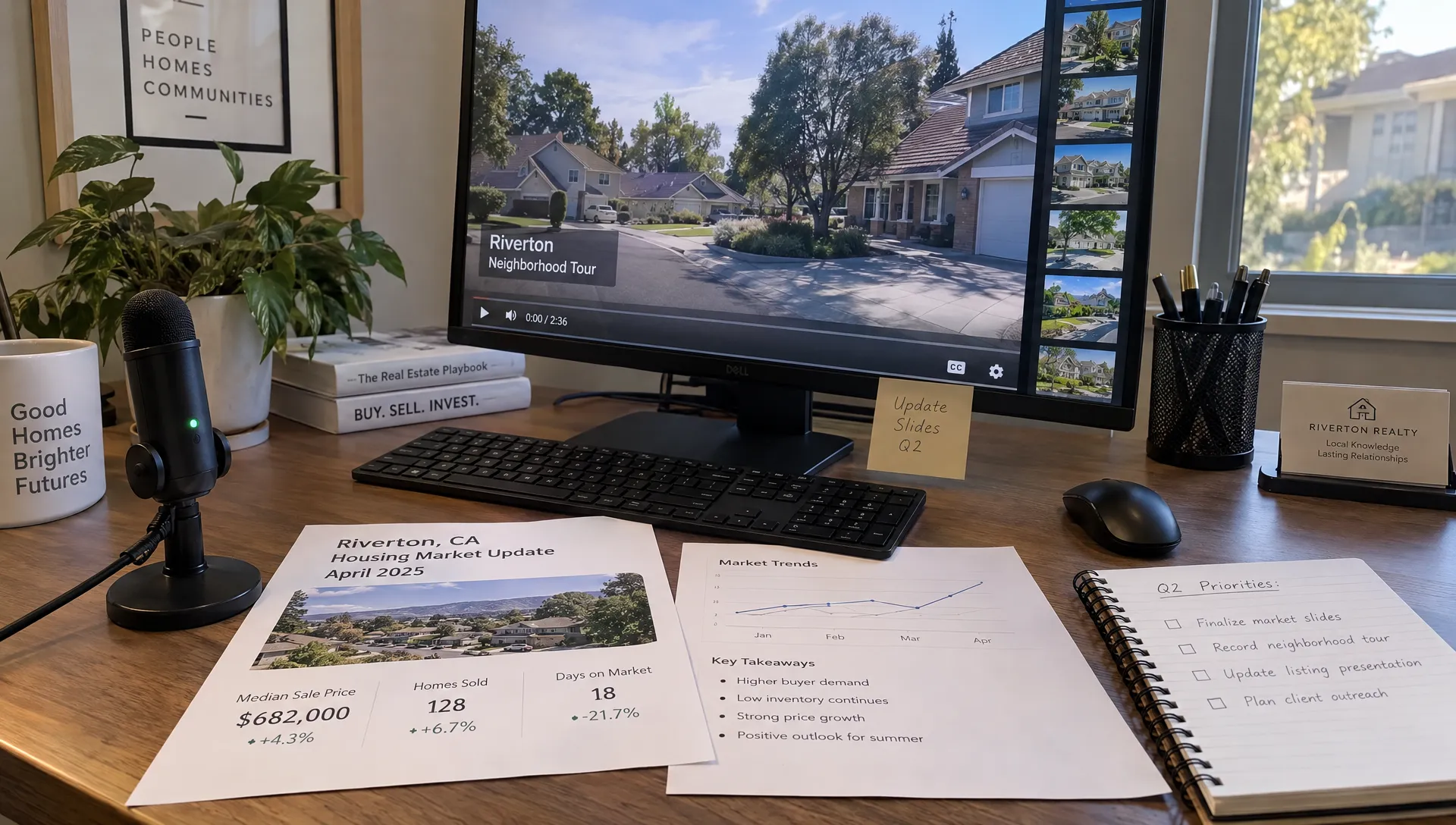
6. Market update slides
What it needs: A reliable data source, a defined geographic area, a reporting period and a simple explanation. Show the source and date on the slide where the figure appears. Use the same definitions throughout the video.
When it works: Answering a focused question, such as how asking prices have changed in one district or how many comparable properties are currently advertised. These faceless real estate videos give agents a repeatable format between listing launches without requiring new property footage.
Separate observation from interpretation. “There are more advertised apartments in this search area than last month” is not the same claim as “sale prices are falling.” Explain what the dataset can actually support.
Limits: Asking prices are not completed transaction prices. Small samples, changing search boundaries and different property mixes can distort comparisons. Avoid forecasts presented as facts. If reliable local data is unavailable, explain a market concept instead, such as why two apparently similar apartments may have different asking prices.
7. AI avatar presenter videos
What it needs: An approved script, checked property visuals and an avatar you are authorized to use. The presenter can introduce the property or explain a feature while photographs and footage provide the evidence.
When it works: Repeated introductions, multilingual explanations or a consistent presenter-led series without filming a new appearance each time. Keep the avatar's contribution brief enough that the property remains the focus.
This format needs a clear distinction: a generic avatar keeps your own face off screen, but an avatar modeled on you still displays your likeness. It removes the filming requirement, not your public appearance. The same distinction applies to a cloned version of your voice.
Limits: An avatar cannot verify a room's condition or claim firsthand experience it does not have. Avoid scripts such as “I walked through this home this morning” unless that statement is true of the identified speaker. Disclose the AI presenter clearly where relevant and follow local rules and platform requirements. Get explicit consent from anyone whose face or voice is reproduced.
Keep faceless real estate videos recognizably yours
Your personal touch can come from the information you choose and the way you explain it. Use your own recorded voice when practical. Mention a useful detail you checked, such as where a storage room sits in relation to the apartment, rather than relying on generic praise.
Keep a consistent visual identity: the same typography, restrained colors and contact details. Use a signature closing screen with your name or agency, the listing reference and one next step. “Request the floor plan” is more specific than asking viewers to get in touch without a reason.
Consistency should not become repetition. A compact apartment may need an explanation of storage, while a house may need a clearer view of access and outdoor space. Keep the presentation recognizable but change the substance.
If you use a synthetic voice, obtain the speaker's explicit consent before cloning it and agree on where it may be used. Be transparent about synthetic narration where relevant. Never assume that access to a recording gives you permission to clone the voice.
Build a repeatable production workflow
Prepare a small approved asset pack for each property: current photographs, checked facts, usage permissions and contact details. Write the script from those materials, not from an old caption or an unverified portal description.
Choose one format and draft one buyer-focused message. A manual workflow gives you direct control over timing, typography and narration, but you must assemble and review each element. AI-assisted creation can reduce assembly work, while factual checking and permissions remain your responsibility.
For photo-led production, Diane's AI real estate video creator turns listing photographs and details into narrated videos, with options including AI avatars, voice cloning and social media formats. Review the generated script, visuals and pronunciation before publishing, especially when using a cloned voice or synthetic presenter.
Before exporting faceless real estate videos, check that the price, property status, area measurements and contact route are current. Confirm that your image and music licenses cover the intended use, including paid advertising if applicable. Check your agency's policies, relevant listing portal requirements and local advertising rules.
Watch once without sound to test readability, then listen without watching to catch inaccurate or awkward narration. Finally, open the exported file on a phone to check cropping and text placement.
Measure inquiries, not just plays
Give each video one action that matches its content. A listing introduction can invite viewers to request a viewing. A neighborhood clip can direct them to the property details. A market update might invite a conversation about a local sale.
Judge faceless real estate videos by whether they generate relevant conversations, not just large play counts. Record the video or format associated with an inquiry, the property discussed and the next agreed action. Ask how the person found you when attribution is unclear.
A sales CRM such as Dr. CRM can help organize contacts and follow-up tasks. Record the source consistently in your chosen system rather than assuming a video platform will connect every inquiry automatically.
Compare formats across several publications before changing direction. A modestly viewed walkthrough that produces suitable viewing requests may be more useful than a widely shared clip that attracts no relevant interest.
Frequently asked questions
Do I need to use my voice? No. Text-on-screen videos can work without narration. If you use a licensed synthetic voice instead, check its permitted uses. A recognizable writing style and closing screen can still provide continuity.
Are AI avatar videos truly faceless? They keep you off camera, but they still show a presenter. An avatar based on your own face does not keep your likeness private. Choose a genuinely faceless format if that distinction matters to you.
Can I make several videos from one listing? Yes, provided each adds something useful. Use the photographs for an introduction, a POV clip for a functional detail and local footage for neighborhood context. Check that listing information remains current before every publication.
Should AI-edited property images be labeled? Clearly disclose virtual staging and material alterations. Keep the actual condition understandable and follow your local rules and publishing requirements. Editing should not disguise defects or invent features buyers will not find at a viewing.
Start with one buyer question
Choose one current listing and one question buyers repeatedly ask. Select the format that answers it most clearly, use approved assets and finish with a specific next step. Build the next video around a different question, not simply a different effect.