
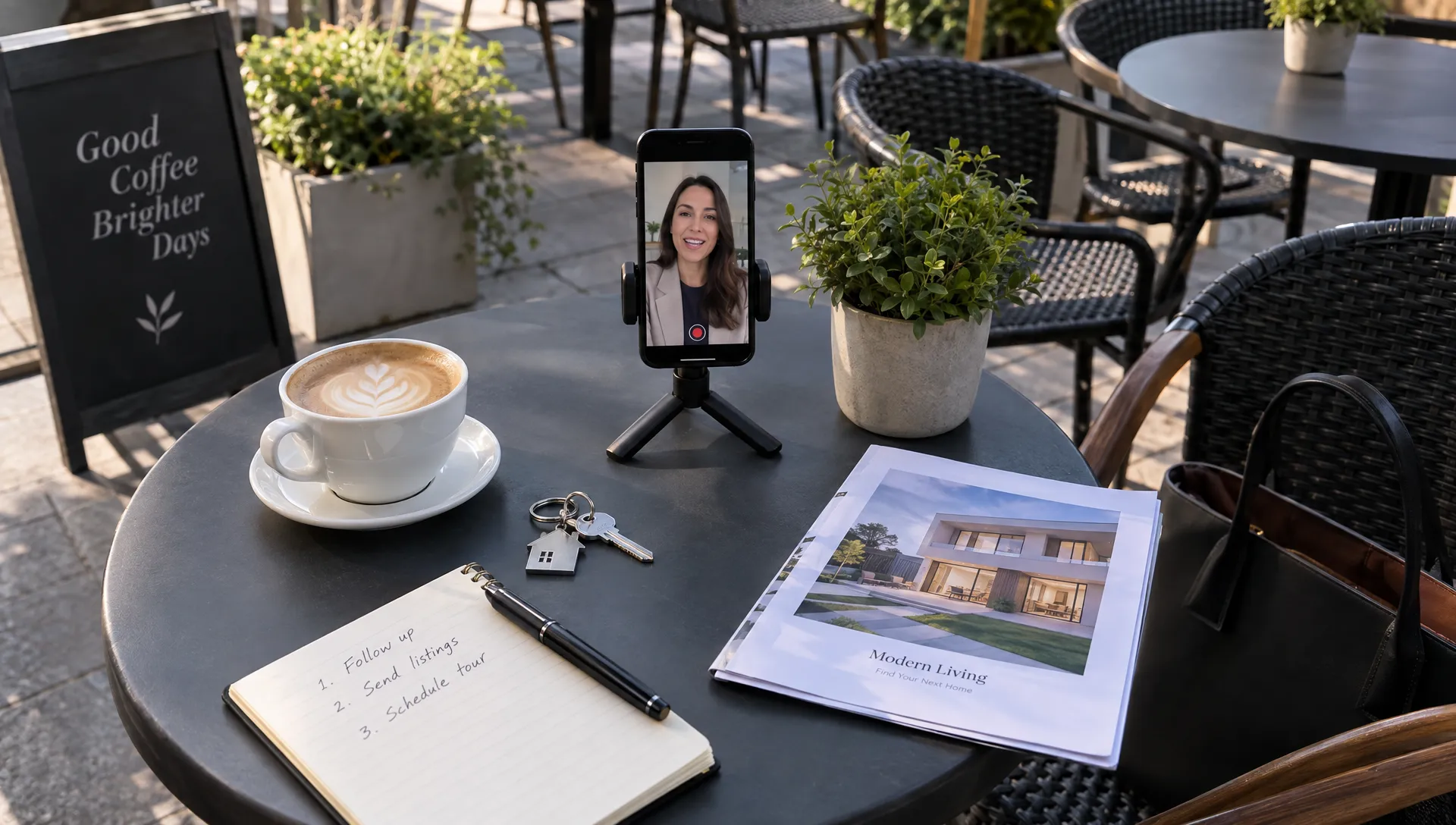
How to Follow Up With Zillow Premier Agent Leads Using Video
A Zillow Premier Agent lead has asked about a property, not necessarily chosen you as their agent. Your follow-up should help the buyer get an answer and take a clear next step. A short video can make that exchange more personal, especially when it addresses the home they asked about rather than delivering a generic introduction.
The goal is not to send a polished reel after every inquiry. It is to use video where a face, a property detail or a brief explanation helps move the conversation toward a call or showing.
Start with the inquiry, not the video
Respond through the appropriate channel before spending time on production. If you receive a live connection, take the conversation first. If the buyer sends a message, acknowledge their question promptly and check the information you need to answer it.
Before recording, establish three things: which property prompted the inquiry, what the buyer actually asked and what next step you can offer. Check current availability rather than assuming the listing is still active. If you are not the listing agent, make your role clear and avoid implying that you control showing access.
For Zillow Premier Agent leads, video works best as a useful addition to responsive service, not a reason to delay your first reply. A simple text can carry the essential answer while the clip provides context.
For example: “Thanks for asking about the Elm Street home. I’m checking the current showing options. I’ll also send a short introduction so you know who you’re speaking with.” Only send that introduction through a channel you are permitted to use.
Record a first message that earns a reply
Aim for roughly 30 to 45 seconds as a starting point. This is a practical production target, not a platform requirement. A buyer should understand who you are, why the message matters and what to do next without watching a full property tour.
Use a straightforward structure:
- Identify yourself: State your name, brokerage and role in helping with the inquiry.
- Reference the property: Mention the home or question that brought the buyer to you.
- Add one useful detail: Address a verified feature, explain what you are checking or clarify the next step.
- Ask one question: Invite a reply that moves the conversation forward.
An introduction script you can adapt
“Hi Maya, I’m Jordan with Northside Realty. You asked about the Elm Street home. I can help check its current availability and coordinate a showing with the listing side. You mentioned needing a workspace, so I’ll confirm the room layout rather than guessing from the photos. Would you like me to check viewing options for Saturday?”
That Zillow Premier Agent follow-up gives the buyer a reason to respond without making unsupported promises. It also avoids assuming their budget, financing status or readiness to purchase.
Send a short written summary alongside the clip: “I’m checking Saturday viewing options. Is morning or afternoon better?” The buyer can reply even if they cannot watch immediately.
Once the conversation starts, the principles behind turning video follow-up into appointments become more useful than producing another introduction: answer the remaining question and make scheduling easy.
Match Zillow Premier Agent videos to the buyer’s stage
Different inquiries need different content. Someone asking to tour a specific home does not need the same video as someone browsing several neighborhoods.
For a specific-property inquiry
Focus on the property and the next action. If the buyer asks about parking, show the relevant authorized photo or explain what has been confirmed. If they ask about availability, answer in writing and use video only when it adds something useful.
Separate verified facts from open questions. “The listing describes a two-car garage” is different from “Your truck will fit.” Dimensions, access arrangements and other decision-critical details may need confirmation.
For a buyer comparing options
Use a short comparison based on preferences the buyer has shared. You might contrast commute distance, floor plan, maintenance requirements or available outdoor space. Keep the comparison factual and avoid steering based on protected characteristics or assumptions about who belongs in a neighborhood.
For these Zillow Premier Agent conversations, a video explaining one meaningful trade-off can be more useful than three unrelated listing reels. Finish by asking which criterion should guide the next search.
For a buyer who is not ready yet
Offer help without forcing an appointment. A brief explanation of the showing process or what to prepare before touring may fit better than another property pitch.
Ask whether they want further updates and how often. A buyer who says “next spring” should not remain in a daily showing sequence.
Use a follow-up cadence that responds to behavior
The schedule below is an example to adapt to your brokerage’s policies, permissions and the buyer’s response. It is not an official Zillow sequence. Stop scheduled outreach when someone replies, opts out or asks for a different timeline.
| Stage | Suggested timing | Useful message | Next step |
|---|---|---|---|
| Initial response | As soon as practical | Answer or acknowledge the inquiry, then send a brief introduction if useful | Confirm the buyer’s immediate need |
| Unanswered follow-up | One or two days later | Address a relevant property question or clarify showing options | Invite a simple reply |
| Additional assistance | Several days later | Offer a relevant alternative or ask whether the original home is still of interest | Refine the search |
| Permission check | Around a week later, if appropriate | Ask whether the buyer wants continued updates | Continue, pause or stop |
Do not send a new video just because another date appears on the calendar. Each Zillow Premier Agent follow-up should contribute information, clarify a decision or request permission for a useful next step.
An unanswered follow-up might read: “Are you still interested in the Elm Street home? I can check viewing options, or help identify alternatives with the workspace you mentioned.” Add a video only if you have a relevant visual or explanation.
If the home becomes unavailable, say so plainly after verifying its status. Avoid using the original listing as a pretext to push unrelated properties. Ask whether the buyer wants alternatives and confirm which features matter most.
Build reusable assets without making messages generic
You do not need to record every explanation from scratch. Maintain a small library of property overviews and buyer-process videos, then add a personal message that connects the right asset to the buyer’s question.
Keep introductions separate from reusable property clips. That lets you update a listing video without rerecording your greeting, or reuse a general explanation without including another buyer’s name or circumstances.
For Zillow Premier Agent follow-up, the personal layer should explain why you chose that clip: “You asked about the main-floor layout, so this overview highlights the rooms shown in the listing photos.” Personalization means relevance, not merely inserting a first name.
Diane can create narrated property videos from listing photos and details, with options including your voice, your face or an AI avatar. Its listing import capability can also help where the relevant portal is supported. Do not assume that portal support includes a particular listing source without checking.
Use those capabilities for the property explanation, then review the result before sending. Verify the narration, price, features and image sequence against current authorized information. Photo-based video should not imply a continuous walkthrough or spatial relationship that the source images do not establish.
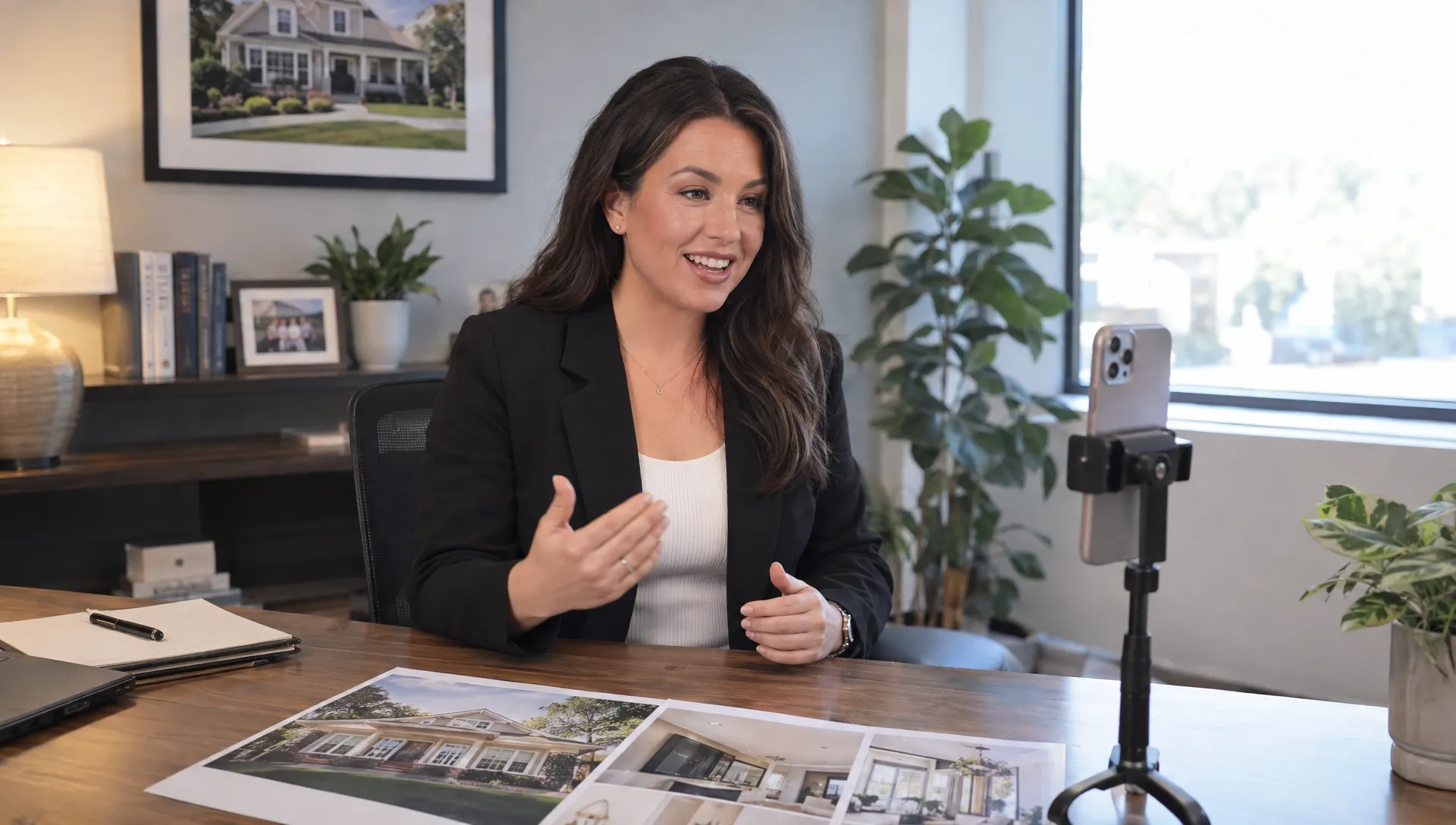
Make delivery easy on a phone
Send a brief written message with the video link rather than expecting the clip to explain everything. The text should identify the property, state why you are sending the video and include the question you want answered.
Test the link on a phone before using it with buyers. Check whether it opens without an unexpected login, whether speech is audible and whether captions are readable when available. Use a hosting or messaging option appropriate for your brokerage and the information being shared.
A Zillow Premier Agent lead should not have to troubleshoot your delivery method to answer a showing question. If a link fails, send the essential information in text instead of repeatedly resending the same asset.
If your own device or messaging app is causing delivery problems, TechSocial’s practical phone and app troubleshooting guides offer a starting point for everyday technical issues. Diagnose problems on your side rather than asking the buyer to change device settings.
Also confirm what your chosen communication channel supports. Do not assume video attachments, playback tracking or automated sending are available inside a particular Zillow or CRM workflow.
Protect consent, accuracy and buyer privacy
A property inquiry should not be treated as blanket permission for unlimited marketing. Follow applicable calling, texting, email and privacy rules, along with your brokerage’s policies. Automated outreach and prerecorded marketing can raise additional consent requirements, so get appropriate compliance guidance before building a sequence.
Honor opt-outs promptly and record them wherever your team manages follow-up. An automated reminder should never override a buyer’s request to stop.
Keep Zillow Premier Agent conversations private when they include buyer names, budgets, financing details or contact information. Do not publish a personalized response as a social reel. For reusable videos, remove personal details and use appropriate sharing controls where available.
AI-generated content needs the same factual review as a personally recorded message. Obtain permission before cloning someone’s voice or using their likeness. Avoid presenting an AI avatar as a person who physically toured the home if that did not happen.
If a video includes virtual staging, clearly identify altered imagery and follow applicable advertising, MLS and brokerage requirements. Do not let edits obscure property condition or turn a possible renovation into an existing feature. Stick to objective property information and preferences the buyer has actually expressed.
Measure conversations and appointments, not just plays
Video views can help diagnose delivery, but they do not prove buying intent. Some recipients will read the accompanying text and reply without watching. Others may watch and decide the property is not suitable.
Track results at the lead level over a consistent period. Useful measures include replies, substantive conversations, appointments booked, appointments attended and reasons a buyer paused or declined.
To evaluate Zillow Premier Agent video follow-up, define your denominators before comparing results. For example, calculate reply rate as unique leads who replied divided by unique leads contacted in the same group and time window. Calculate appointment rate separately rather than counting every reply as progress toward a showing.
Compare similar inquiries where possible. A buyer requesting a tour is not equivalent to someone asking a broad market question. Differences in lead intent, agent availability and property status can affect results independently of video.
A practical dashboard for tracking replies and booked showings can help keep attention on outcomes. Add brief notes about which question each clip addressed so you can identify useful content, not just attractive content.
Frequently asked questions
Should I send a video before calling a lead? Not if it delays an appropriate response. Handle a live connection or immediate question first. Send video afterward when it adds context, introduces you or explains something easier to show than describe.
How long should a follow-up video be? Start with roughly 30 to 45 seconds for an introduction or single-property question. Longer explanations can work when requested, but the essential answer and next step should remain clear.
Can I automate every Zillow Premier Agent video follow-up? Automation may help organize tasks, but messages still need current information, appropriate permissions and human oversight. Do not assume Diane connects directly to your Zillow lead workflow or sends personalized follow-ups automatically.
Should I use an AI avatar or record myself? A personal recording can introduce the agent the buyer will work with. An AI avatar can present a reusable property explanation. Choose based on the purpose and avoid misleading the recipient about who is speaking or what they personally verified.
Create the property video, then personalize the follow-up
Choose one active inquiry and identify the question a short video could genuinely answer. Build the property overview, verify it and send it with a brief personal message and one clear next step.
If producing the property clip is the bottleneck, Diane can help turn listing photos and details into narrated real estate videos. Keep the relationship work with you: listening, confirming facts and helping the buyer decide what to do next.