
How to Order Photos in Real Estate Property Listings
The best photo order for real estate property listings combines a strong opening with a layout buyers can follow. Lead with the most compelling, representative image, show the main living spaces early, then group bedrooms, bathrooms and supporting spaces into a coherent tour. Finish with useful context rather than a string of near-duplicate shots.
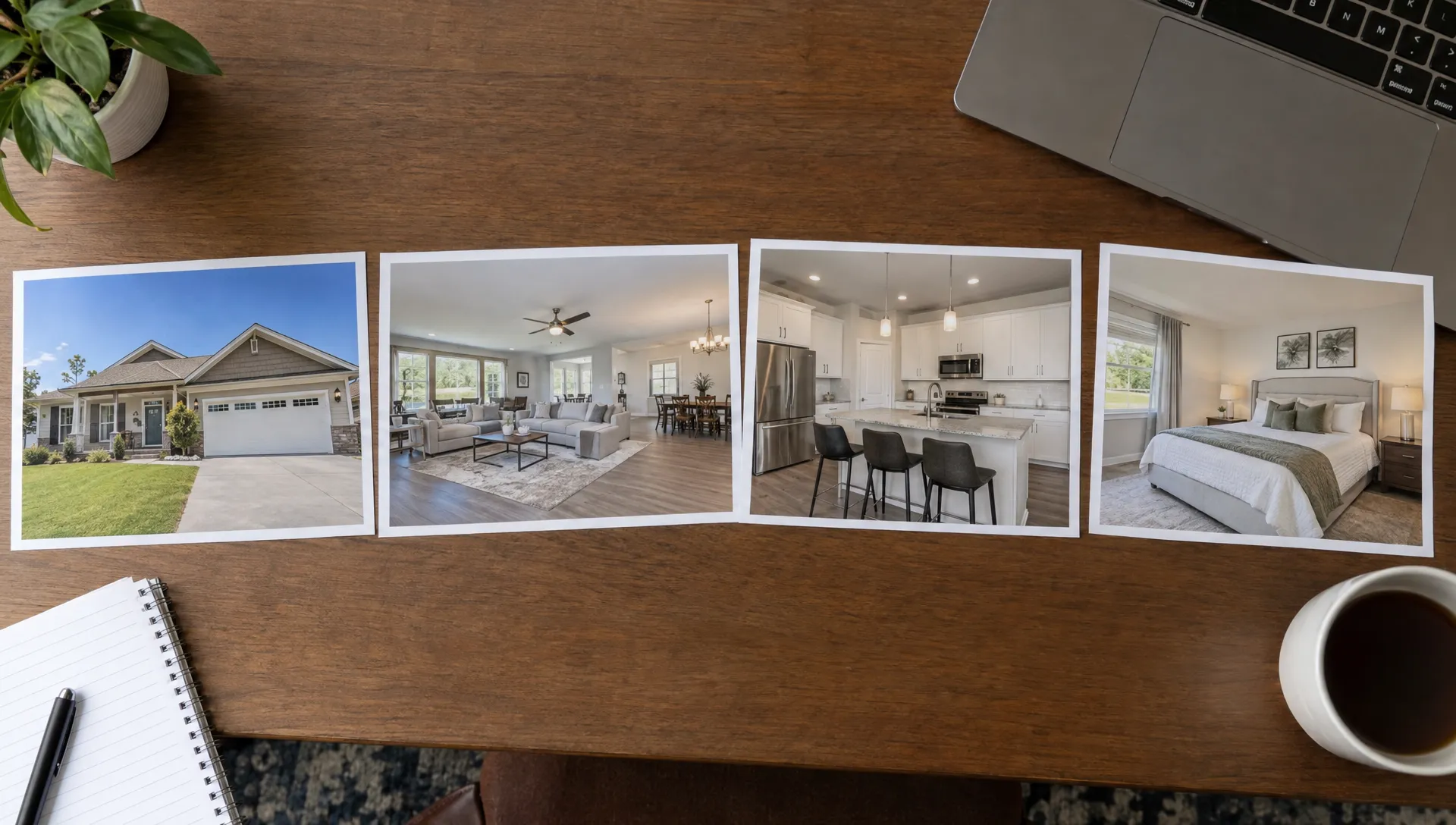
A reliable starting sequence is: cover photo, main living area, kitchen and dining, primary suite, other rooms, outdoor spaces and supporting images. Adjust that sequence when the property’s defining feature deserves an earlier appearance.
Choose the cover before arranging the rest
Your cover photo has a different job from the gallery. It needs to communicate the property’s appeal at thumbnail size, while the remaining images explain what buyers would experience during a visit.
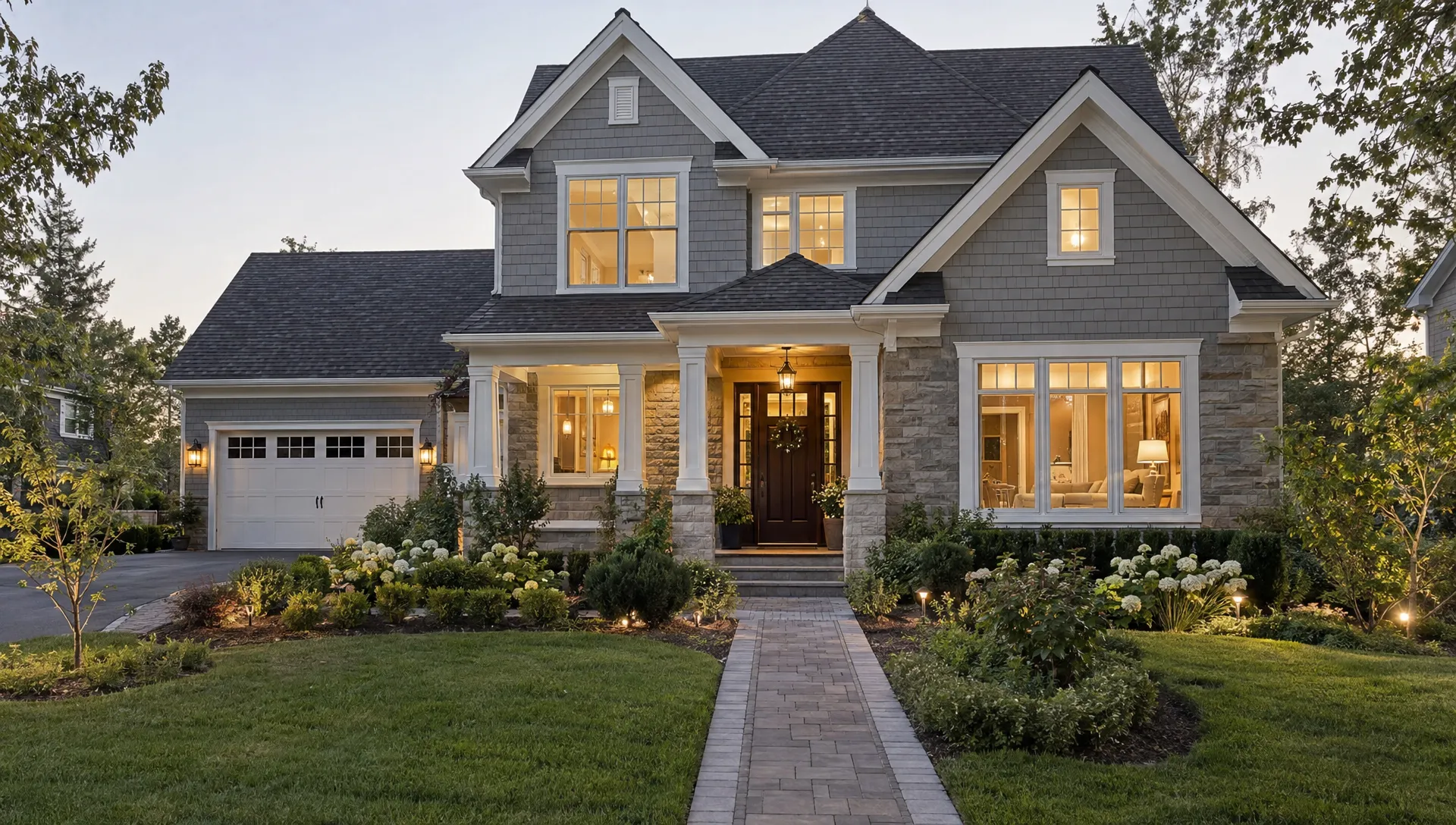
A clear front exterior is a sensible default for a detached house with attractive curb appeal. It establishes the building and helps buyers recognize it at a showing. But an exceptional living room, private terrace or distinctive view may be a stronger opening for another property.
Choose an image that remains understandable when cropped smaller. A wide exterior filled mostly with driveway may be less effective than a closer composition that clearly shows the home.
The cover must also set an honest expectation. Avoid leading with a shared amenity that could be mistaken for private space, an unrepresentative angle or a virtually staged image without the required disclosure. Check your MLS and destination portal’s current cover-photo rules before making the final choice.
A practical photo order for real estate property listings
Use the following sequence as a starting framework, not a fixed template. The number of images in each block should reflect the property’s complexity and the information each photograph adds.
| Gallery block | Photos to include | Purpose |
|---|---|---|
| Cover | Strong exterior, main interior or defining feature | Establish the property’s appeal |
| Opening spaces | Main living area and its connection to nearby rooms | Give buyers an early sense of space and layout |
| Kitchen and dining | Kitchen overview, dining area and useful second angle | Explain an important everyday living zone |
| Primary suite | Bedroom, associated bathroom and relevant storage | Show how the suite functions |
| Other interior spaces | Remaining bedrooms, bathrooms, office and flexible rooms | Complete the interior tour |
| Outdoor areas | Patio, garden, balcony, pool or grounds | Clarify outdoor use and connections |
| Supporting information | Garage, storage, shared amenities, aerial images and floor plan | Answer remaining practical questions |
The opening group should explain why the home deserves further attention. If a courtyard is central to the design, show it alongside the living area rather than hiding it near the end.
Treat a floor plan differently from a decorative detail photo. It provides navigation, so place it where buyers can find it easily. Some portals offer a dedicated floor-plan area; where yours does not, consider moving it earlier if the layout would otherwise be difficult to understand.
Keep rooms together and explain their connections
A useful sequence for real estate property listings should reduce the mental work required to understand the home. Jumping from kitchen to upstairs bathroom, then back to the living room makes buyers reconstruct the layout themselves.
Group each room’s images together. Start with the angle that explains the space, then add another only if it reveals something meaningful, such as a doorway, storage wall or connection to the garden.
For an open-plan home, use one overview to establish the relationship between living, dining and kitchen areas. Follow with closer views of those zones. Three disconnected close-ups cannot replace an image that explains how the spaces fit together.
Keep an en suite bathroom next to its bedroom. If two bedrooms look similar, use accurate room labels where the platform supports captions. A simple label such as “Bedroom 2, upper level” is more useful than promotional language that leaves buyers unsure which room they are viewing.
You do not need to reproduce every step from the front door. Preserve spatial logic without delaying the property’s strongest features.
Adapt the sequence to the property, not a rigid formula
Different layouts need different introductions. The most useful adjustment is usually to move a defining feature forward while keeping enough context around it.
For apartments, real estate property listings often benefit from showing the main interior before several building exteriors. Follow with the kitchen, bedrooms and private balcony, then clearly identified shared amenities. If you lead with a view, include enough context to show where that view is experienced.
For a house with substantial grounds, establish the home and its relationship to the site early. A useful aerial image can show the setting, but do not draw or imply boundaries unless they have been verified. Return to ground-level photographs so buyers can understand access and everyday use.
For a renovation opportunity, prioritize clear room overviews and an accurate account of condition. Avoid a polished opening sequence that creates a misleading impression before revealing significant visible issues later.
For a property with a detached studio or guest accommodation, give that space its own consecutive group. Introduce it with an exterior or connecting view, then show its interior. Captions should accurately identify its use and should not imply an approved dwelling status you have not confirmed.
Remove repetition before adding more photos
A longer gallery is not automatically a more informative gallery. Every extra photograph should answer a new question about layout, condition, features or setting.
When editing real estate property listings, compare similar images side by side. Keep the strongest overview, then retain a second angle only if it adds information the first cannot show. Two nearly identical kitchen photographs usually contribute less than one kitchen overview and a view showing its connection to dining.
Detail shots can support the presentation, but they should not interrupt the opening tour. A close-up of a faucet, fireplace surround or cabinet handle makes more sense after buyers understand the room containing it.
Remove images that are blurry, outdated, incorrectly labeled or inconsistent with the property’s current condition. For virtual staging, follow applicable disclosure requirements and platform rules, including requirements to provide an unaltered version where relevant.
There is no universal ideal photo count. Use enough images to explain the property without making buyers repeatedly swipe past the same information.
Check the uploaded gallery, not just your source folder
The order in your working folder is not necessarily the order buyers will see. Upload tools, cover-photo settings and syndication processes can affect how images appear on different destinations.
Numbering filenames, such as 01-front-exterior.jpg and 02-living-overview.jpg, helps your team maintain an agreed sequence. It does not guarantee that every portal will preserve it. Use the platform’s ordering controls and inspect the published result.
Before publishing real estate property listings, review the gallery on a phone as well as a larger screen. Check the search thumbnail separately from the full-size cover image because crops may differ.
Use this final quality-control check:
- Confirm that the intended cover appears in search results and on the property page.
- Review the opening images for clear context, variety and accurate representation.
- Check room groupings, captions and the location of the floor plan.
- Verify that staging disclosures and other required notices remain visible.
- Inspect each major destination after publication rather than assuming all copies match.
If a portal changes your sequence, investigate its controls or feed requirements before repeatedly rearranging the source gallery.
Give your photographer or assistant a usable handoff
A clear handoff prevents unnecessary rework. Share a numbered sequence with room names and identify the approved cover separately. Include notes for images that must stay together, such as a bedroom and its en suite or an original image paired with a virtually staged version.
Separate missing information from ordering problems. If no photograph shows how the kitchen connects to the living room, shuffling the existing gallery may not solve the issue. Request a specific missing view rather than a vague request for “more photos.”
Keep one approved master sequence and name the person responsible for updating it. That makes later changes easier to trace across the MLS, agency website and marketing materials.
Track photography, editing and any reshoot invoices against the listing’s marketing budget. Australian agency owners who need help organizing those business records can consider small-business bookkeeping and tax support. Keep that financial record alongside, but separate from, the creative approval process.
Use the gallery as a starting point for video
A well-organized gallery gives you a useful foundation for other marketing assets. It does not mean every channel should use every photograph in exactly the same order.
The full gallery in real estate property listings needs to answer detailed questions. A short video usually needs a tighter selection: a strong opening, a few connected spaces and a closing image that reinforces a distinctive feature.
Select one clear view per room before adding alternate angles. Preserve useful connections, such as living room to terrace, rather than alternating unrelated spaces just to create visual variety. Our guide to turning listing photos into a coherent Reel explains how to develop that shorter narrative.
Keep descriptions consistent across formats. If the gallery identifies a rooftop terrace as shared, the video narration should not imply exclusive access. The same applies to virtually staged rooms, detached structures and views shown from communal areas.
Review the video’s scene order as its own editorial decision, even when you start with an approved photo sequence.
Frequently asked questions
Should the exterior always be the first listing photo? No. A clear exterior is a useful default for many detached homes, but an interior or defining feature may be more representative and compelling. Follow the destination platform’s requirements and avoid a cover that misrepresents the property.
Should kitchen photos come before living room photos? Either can work. For real estate property listings with an open-plan layout, begin with an overview that connects the spaces, then show each area. For a separate standout kitchen, moving it earlier can make sense without scattering the rest of the room groups.
Where should bathroom and utility-room photos go? Keep an en suite beside its bedroom. Place other bathrooms near the rooms they serve where practical. Utility rooms, garages and storage generally belong after the main living spaces unless they are a defining feature.
Can I change the photo order after publication? Many listing systems allow changes, but controls and downstream update behavior vary. Revise the sequence in the appropriate source system, then verify the public gallery on each important destination. Do not assume an update has propagated immediately.
Put your approved photos to work
Before launching your next listing, choose one cover, build a room-based sequence and review the published gallery on mobile. Those steps create a clearer presentation without requiring more photographs.
When you are ready to extend that presentation into video, Diane can turn listing photos and property details into narrated marketing videos with AI avatars, voice cloning and cinematic editing. Start with the approved selection, then review the video for sequence, accuracy and disclosures before publishing.