
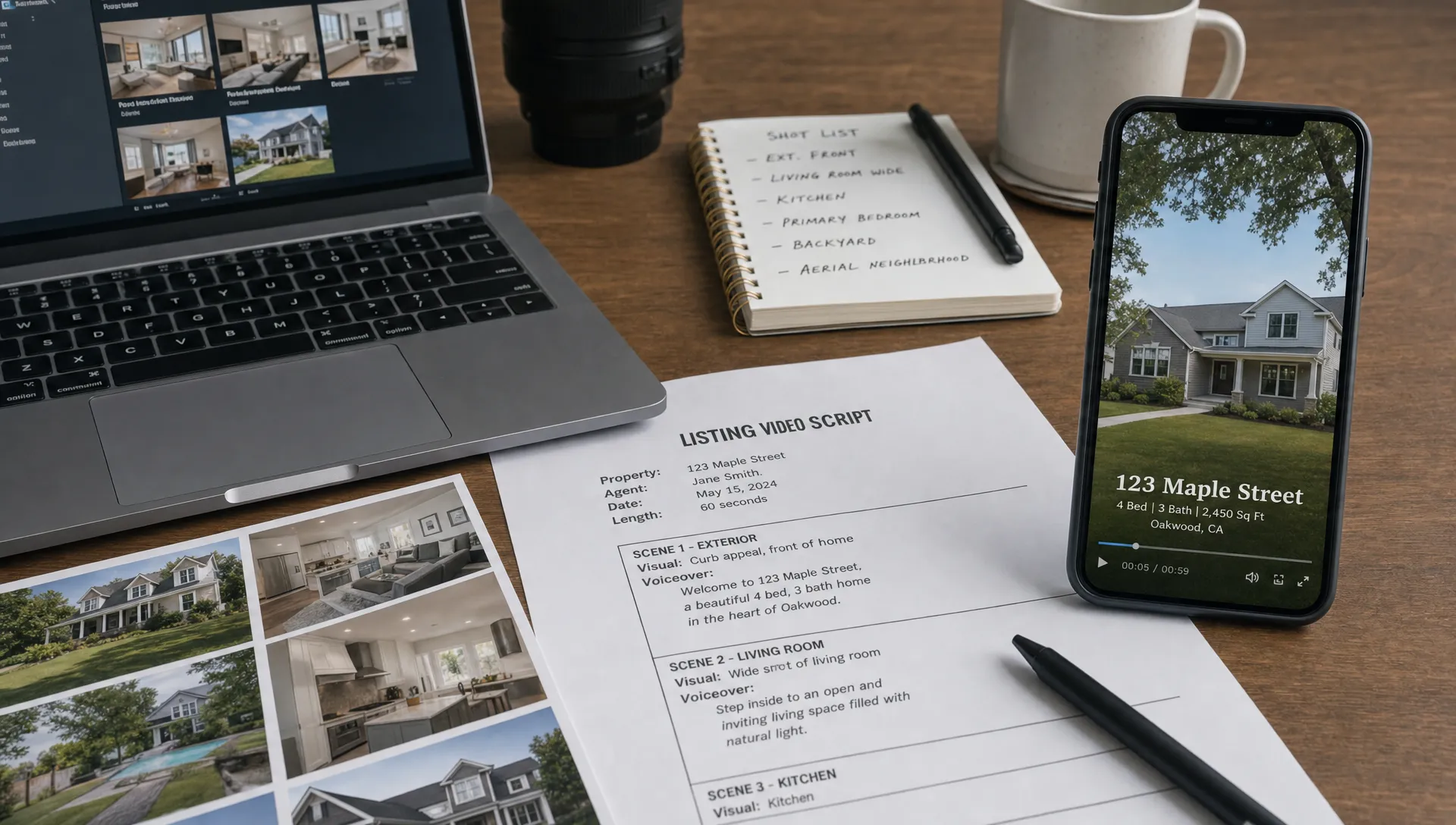
Marketing Tools for Real Estate Agents That Simplify Video
Marketing tools for real estate agents are only useful when they remove friction from the moments that cost you time: launching a listing, answering seller expectations, creating social content and keeping every property visible after the first post. Video is where that friction usually shows up first.
A listing can have strong photos, a solid description and a fair price, yet still feel flat online. Buyers scroll fast, sellers compare agents fast and social platforms reward motion. The problem is not that agents doubt video works. The problem is that traditional video production asks for too much coordination when your day is already filled with showings, calls, negotiations and listing paperwork.
The right tool stack should turn existing listing assets into polished property videos without forcing you to become a filmmaker. That means less editing from scratch, fewer manual uploads and a repeatable process you can use for every listing.
Why video is the bottleneck in modern listing marketing
Most real estate marketing tasks are now fairly systematized. You can publish a listing to portals, write a description from notes and send a seller update from a template. Video still often feels separate from that workflow. It may require a videographer, a script, editing software, captions, resizing and multiple exports for different channels.
That is why video gets delayed. The first 48 hours of a listing are often the most active, but many agents do not have a video ready until after the initial attention window has passed. In competitive markets, that delay can mean fewer saves, fewer shares and fewer serious inquiries.
The best tools solve this by treating video as a normal listing output, not as a special campaign. If you already have photos, property details, room highlights and a call to action, you have most of what a video needs. The software should assemble those pieces quickly, then give you enough control to keep the result accurate and on brand.
For agents who want a deeper look at the workflow side, Diane has a practical guide on how to create real estate videos for marketing in minutes without rebuilding every asset manually.
Marketing tools for real estate agents that make video easier
A useful video stack does not need dozens of apps. In many cases, you need a few focused capabilities that connect smoothly: intake, scripting, visuals, narration, branding, resizing and publishing.
| Tool category | What it simplifies | What to look for |
|---|---|---|
| Listing import | Pulling property details into the video workflow | Portal import, structured fields and easy editing |
| AI script generation | Turning facts into a clear property story | Editable scripts, local tone and compliant wording |
| AI narration | Adding voice without recording every time | Natural pacing, voice cloning or avatar narration |
| Photo to video editing | Creating motion from still images | Cinematic effects, transitions and room sequencing |
| Virtual staging | Improving empty or dated visuals | Realistic staging and style consistency |
| Branding tools | Keeping every video recognizable | Logos, colors, fonts and agent details |
| Social formats | Preparing videos for each channel | Vertical, square and landscape exports |
| Publishing tools | Reducing upload admin | Direct social publishing or simple downloads |
This is the main shift: marketing tools for real estate agents should support the way listings already move through your business. If a tool asks you to copy every field manually, resize every clip yourself or retype the same captions, it has not really simplified video.
A good test is whether you can go from listing materials to a ready-to-review video in one sitting. You should still check the script, confirm claims and adjust the emphasis, but the blank-page work should disappear.
The core workflow every real estate video tool stack should support
Video becomes easier when the workflow is predictable. You do not need a new creative plan for every property. You need a repeatable structure that can flex based on the home, the audience and the channel.
Turn listing materials into a property narrative
A listing description tells buyers what a property includes. A video script should guide them through why the property matters. The opening may highlight location, lifestyle or a standout feature. The middle should move through the strongest rooms and benefits. The closing should tell viewers what to do next, usually book a viewing, request details or message the agent.
For video, marketing tools for real estate agents should help convert raw details into that narrative while keeping the agent in control. This matters because real estate language carries legal and reputational risk. You need wording that is compelling, but you also need it to be accurate.
Build videos from photos when a full shoot is not practical
Professional video shoots are valuable for premium listings, but they are not always realistic for every property. Many everyday listings need something faster: movement from listing photos, tasteful transitions, animated room sequences and captions that make the video understandable with the sound off.
This is where AI editing can be useful. It can add flow to still images, create a stronger viewing sequence and produce social-friendly clips without requiring manual editing. For solo agents and small teams, the practical gain is consistency. Every listing can have video support, not only the listings with large marketing budgets.
Add agent presence without recording all day
Seller trust often comes from seeing and hearing the agent. Buyer interest can also increase when a video feels guided rather than anonymous. Yet recording a fresh voiceover or on-camera intro for every listing can become a bottleneck.
Tools with AI avatar presentation, voice cloning narration or reusable branded intros can help. Diane, for example, is built around turning listings, photos and property details into narrated real estate videos using your voice, your face or an AI avatar. The goal is not to remove the agent from the marketing, but to make agent presence easier to scale.
What to prioritize if you work solo or run a small agency
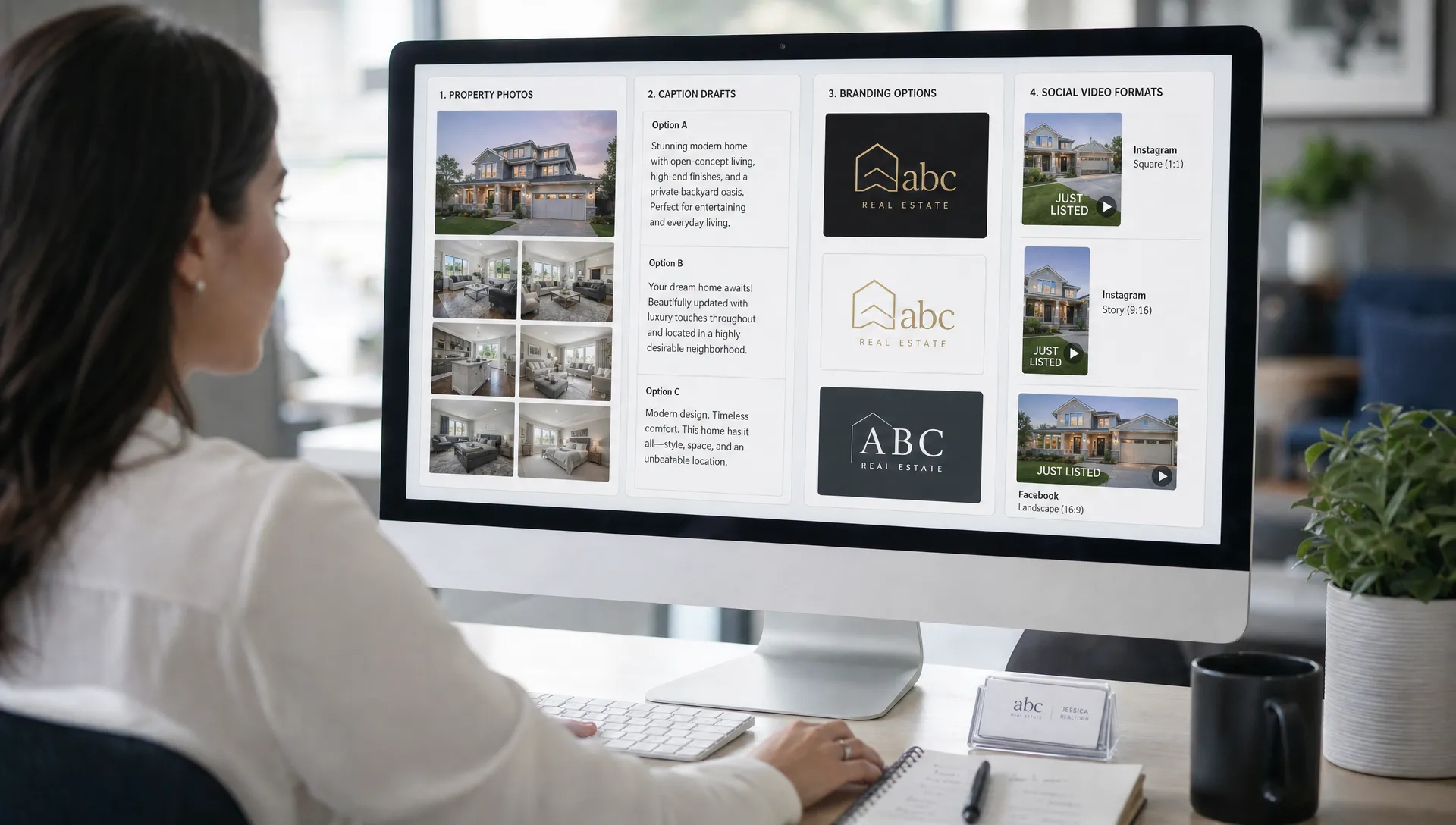
Independent agents and small agencies rarely have the same marketing support as large brokerages. That makes tool choice more important. The strongest marketing tools for real estate agents reduce admin while protecting the parts of marketing that clients notice most: speed, presentation quality and brand consistency.
Start with speed, but do not stop there. A tool that creates a video quickly is helpful only if the output looks professional enough to publish. Check whether you can edit the script, adjust the order of visuals, add your own branding and export in the formats you actually use.
You should also consider multilingual support if your market includes international buyers, relocation clients or multilingual neighborhoods. Translating a property message manually can be slow, and inconsistent translations can weaken the listing. A video tool with multilingual capabilities can help you reuse the same listing assets for more audiences.
Finally, look for repeatability. If a tool works only when you have extra time to tweak everything, it will not become part of your weekly process. A practical stack should help you produce a first version quickly, then make small changes before publishing.
How to compare video-first marketing tools for real estate agents
When comparing options, avoid judging only the final demo video. Demos are polished by design. Your real question is how the tool performs with normal listing materials, imperfect photo sets, tight timelines and agent-specific branding requirements.
Use this checklist before adding another platform to your workflow:
- Can it import or reuse listing information without manual copying?
- Can you edit the script before the video is finalized?
- Does it support branded templates for your agency or personal brand?
- Can it create vertical formats for Instagram Reels, TikTok, YouTube Shorts and Facebook?
- Does it allow narration through your own voice, an AI voice or an avatar?
- Can you produce videos in more than one language when needed?
- Does it help with publishing or does it create another download and upload step?
Brand clarity also matters outside real estate. Local service businesses often win trust by making their offer easy to understand at a glance, from service pages to booking flows. A polished example is Kingdom Cute Hair Salon, where presentation, service clarity and a strong visual identity work together. Real estate videos need the same discipline: viewers should understand the property, the agent and the next step within seconds.
If you want a more specific framework for evaluating video software, Diane also covers what a real estate listing agent needs from a video tool, including workflow fit, editable scripts and agent presence.
Where Diane fits in a simpler video marketing stack
Diane is designed for agents and agencies that want listing videos without a traditional production process. It turns property listings into ready-to-publish marketing reels using listing details, photos, AI narration, animated avatars and cinematic editing.
That makes it useful when your main challenge is not strategy, but execution. You may already know what you want to promote: the kitchen, the garden, the neighborhood, the price improvement or the open house. Diane helps turn those points into a video format you can share across social media and listing channels.
The platform also supports features that matter when video becomes a repeatable part of your marketing: listing import from portals, voice cloning narration, multilingual video support, virtual home staging, custom real estate branding and direct social publishing. For small teams, those features can replace several disconnected steps in the production process.
Marketing tools for real estate agents should not force you to choose between speed and professionalism. A platform like Diane is valuable when it lets you publish quickly while still sounding like you, looking like your brand and matching the property you are representing.
A practical weekly workflow for listing videos
A simple workflow is easier to maintain than a complex content calendar. For most agents, the goal is to create a video rhythm that follows the life of the listing.
Before launch, gather the strongest photos, confirm the key property facts and decide the main angle. Is the property about lifestyle, location, value, renovation quality or space? That angle should shape the opening seconds of the video.
At launch, publish a polished listing reel in vertical format for social platforms and a more complete version for channels where viewers may spend longer. If the property has a strong feature, such as a pool, terrace, view or renovated kitchen, create a shorter highlight clip focused on that single selling point.
After the first wave of attention, use video to refresh the listing. A new clip can promote an open house, answer a common buyer question or reframe the property for a different audience. If you need ideas for connecting videos to actual inquiries, Diane has a guide to video strategies for lead generation in real estate.
Mistakes that make video tools feel harder than they should
One common mistake is choosing tools based on creative features you rarely use. Advanced editing controls can look impressive, but if you only need a clean listing reel by the end of the day, too many controls may slow you down.
Another mistake is separating video from your listing workflow. If the video tool does not connect to your listing assets, you will postpone using it. The strongest setup starts with the materials you already have and turns them into multiple video outputs.
A third mistake is publishing the same video everywhere without adjusting format or pacing. A vertical social reel, a listing page video and a seller update clip do not need the same length or structure. Good marketing tools for real estate agents make these variations easier to produce, so one listing can support several channels without duplicating the work.
Frequently Asked Questions
What are the most useful marketing tools for real estate agents who want easier video? The most useful tools usually cover listing import, AI script writing, narrated video creation, branded templates, social resizing and publishing. The best setup depends on whether your biggest bottleneck is scripting, editing, recording or distribution.
Do I need professional video shoots for every listing? No. Professional shoots can be valuable for luxury or highly visual properties, but many listings can be marketed effectively with high-quality photos, AI-assisted motion, narration, captions and strong branding.
How can AI help with real estate video without making it feel generic? AI helps most when it handles repetitive production tasks while you keep control over the message. Edit the script, choose the strongest property angle, use your branding and review every detail before publishing.
Which video formats should agents create first? Start with a vertical listing reel for social platforms, then create a version for listing pages or email. If time allows, add short clips for open houses, price updates or standout features.
Make listing video simpler with Diane
If video is still the slowest part of your listing marketing, the problem may not be effort. It may be the tools around the workflow. Diane helps agents turn listings, photos and property details into polished real estate videos with AI narration, avatars, cinematic editing and social-ready formats.
Explore how Diane can help you create professional property videos faster at Diane.