
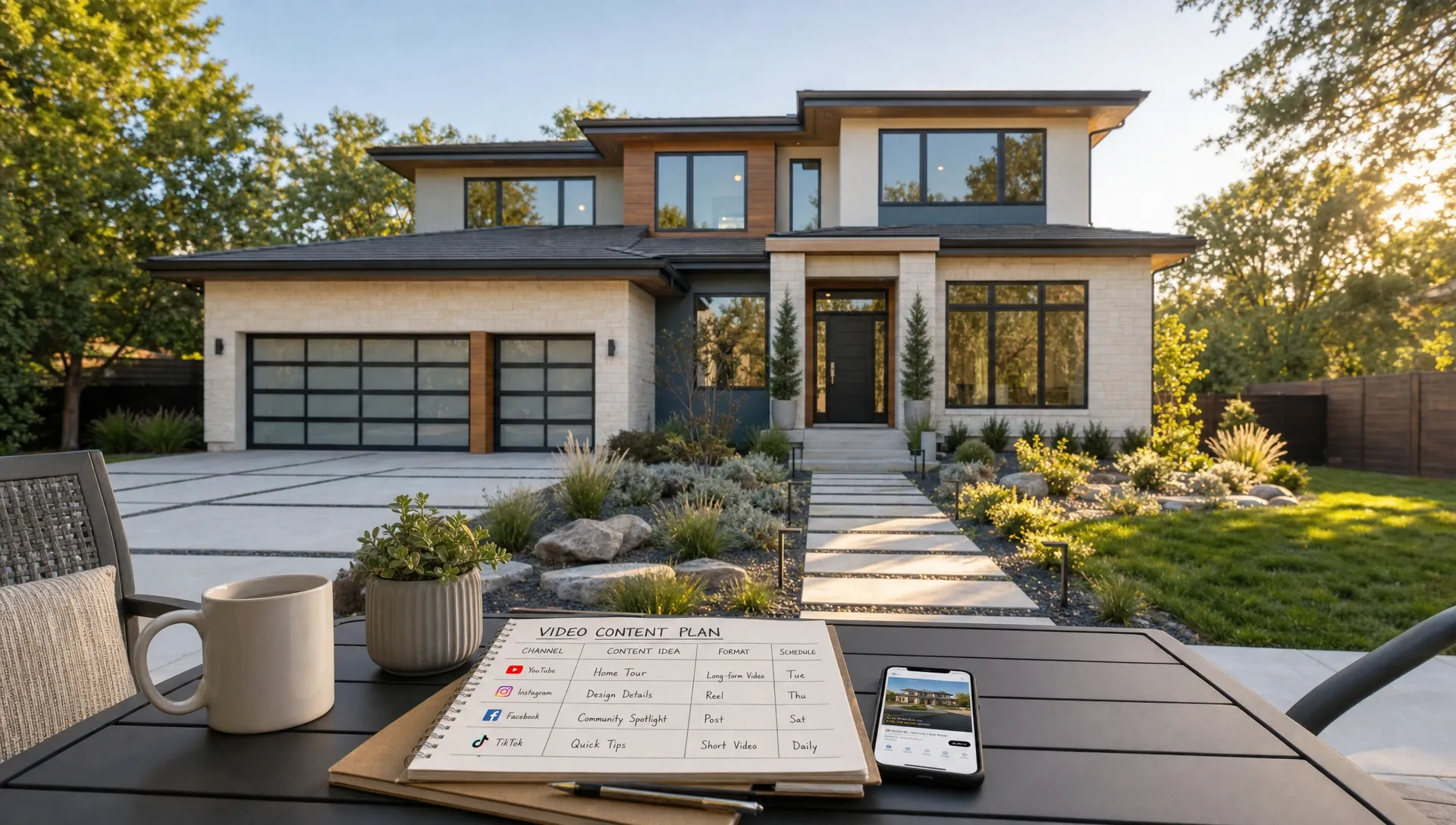
Plan Realtor Videos for Marketing Across Every Channel
Most agents do not need more random posts. They need a repeatable plan that turns each listing into the right video for the right channel, without rebuilding the whole campaign from scratch.
That is the real value of planning realtor videos for marketing across every channel. A listing video on a property portal has a different job from a 12-second Instagram Reel, a seller prospecting email or a retargeting ad. The property is the same, but the viewer's intent, attention span and next step are not.
A strong channel plan helps you avoid two common traps. The first is underusing good assets, where a polished video is posted once and forgotten. The second is copying the same file everywhere, which often leads to awkward crops, weak calls to action and low engagement. The better approach is to create one core story for the listing, then adapt it into channel-specific moments that guide buyers, reassure sellers and produce leads.
Start with the job each video needs to do
Before choosing a format, decide what business outcome the video should support. A new listing campaign might need buyer inquiries this week. Your personal brand content might need seller trust over the next quarter. A brokerage owner might need consistency across dozens of agents.
Every video should have one primary job:
- Attract attention with a strong first visual, a quick buyer benefit and a reason to keep watching.
- Explain the property by showing layout, flow, finishes, light, outdoor space and neighborhood context.
- Capture leads through a clear next step, such as booking a showing, requesting the address or asking for a valuation.
- Build seller confidence by proving that you market listings professionally and consistently.
This is where many real estate video plans become simpler. You do not need a different creative idea for every platform. You need a clear listing narrative, then multiple versions that match how each channel is consumed.
For example, the core story might be: a move-in ready three-bedroom home near commuter routes with a renovated kitchen and private garden. On a listing site, that becomes a guided property overview. On Instagram, it becomes a fast kitchen-to-garden reveal. In an email to past buyer leads, it becomes a short message about location and viewing availability. In a seller presentation, it becomes proof that your listings are marketed with more than photos.
Build a core video library for each listing
A useful listing campaign is not one video. It is a small library of reusable assets. When you plan this library before publishing, you can move faster and keep the message consistent across channels.
| Video asset | Best use | Ideal message | Typical call to action |
|---|---|---|---|
| Hero listing video | Listing pages, YouTube, website and email | Full property story with key features and flow | Book a private showing |
| Short teaser | Instagram Reels, TikTok, Shorts and Stories | One standout feature or emotional hook | Watch the full tour or send a message |
| Feature clip | Paid ads, retargeting and social posts | Kitchen, view, garden, primary suite or location | Ask for details |
| Agent intro | Email, seller presentations and social | Personal guidance and local expertise | Contact the agent |
| Open house clip | Stories, SMS and Facebook | Date, time and reason to attend | RSVP or save the date |
| Sold or under contract recap | Seller prospecting and market updates | Proof of marketing and buyer demand | Request a home valuation |
This small library gives you flexibility. If one channel performs well, you can extend that angle. If buyers ask the same question repeatedly, you can publish a follow-up clip answering it. If a seller lead asks how you market homes, you have concrete proof ready.
Match realtor videos for marketing to each channel
The same buyer may see your listing on a portal, scroll past it on Instagram, receive it by email and later search the address on Google. Each interaction should feel connected, but not identical. The goal is to meet the viewer at their current level of intent.
| Channel | Viewer mindset | Recommended video style | Planning tip |
|---|---|---|---|
| Listing portals | Comparing homes by price, location and features | Clear guided tour with property facts | Prioritize layout, condition and unique selling points |
| Instagram Reels and TikTok | Browsing quickly, often without sound | Vertical short-form teaser with captions | Open with the strongest visual in the first seconds |
| Local discovery and sharing | Neighborhood angle, open house reminder or feature clip | Mention practical context, such as schools, commute or lifestyle | |
| YouTube | Researching in more depth | Longer tour, area guide or agent walkthrough | Use searchable titles and descriptions |
| Warm lead or past client attention | Personal, direct and concise video | Match the subject line to the buyer segment | |
| SMS | High-intent, time-sensitive communication | Very short clip or video link | Use for open house reminders and urgent updates |
| Paid social | Cold or retargeted attention | Single-message ad creative | Test one hook at a time so performance is easier to read |
| Seller presentations | Evaluating your marketing ability | Portfolio clip, sold recap or branded listing example | Show the process, not just the final video |
Social channels deserve special attention because format mistakes are easy to make. A horizontal walkthrough may look great on a website but lose half the room when cropped into a vertical feed. If you want to adapt one shoot into several placements, plan the frame early and review how to format real estate videos for social media without reshooting before the listing goes live.
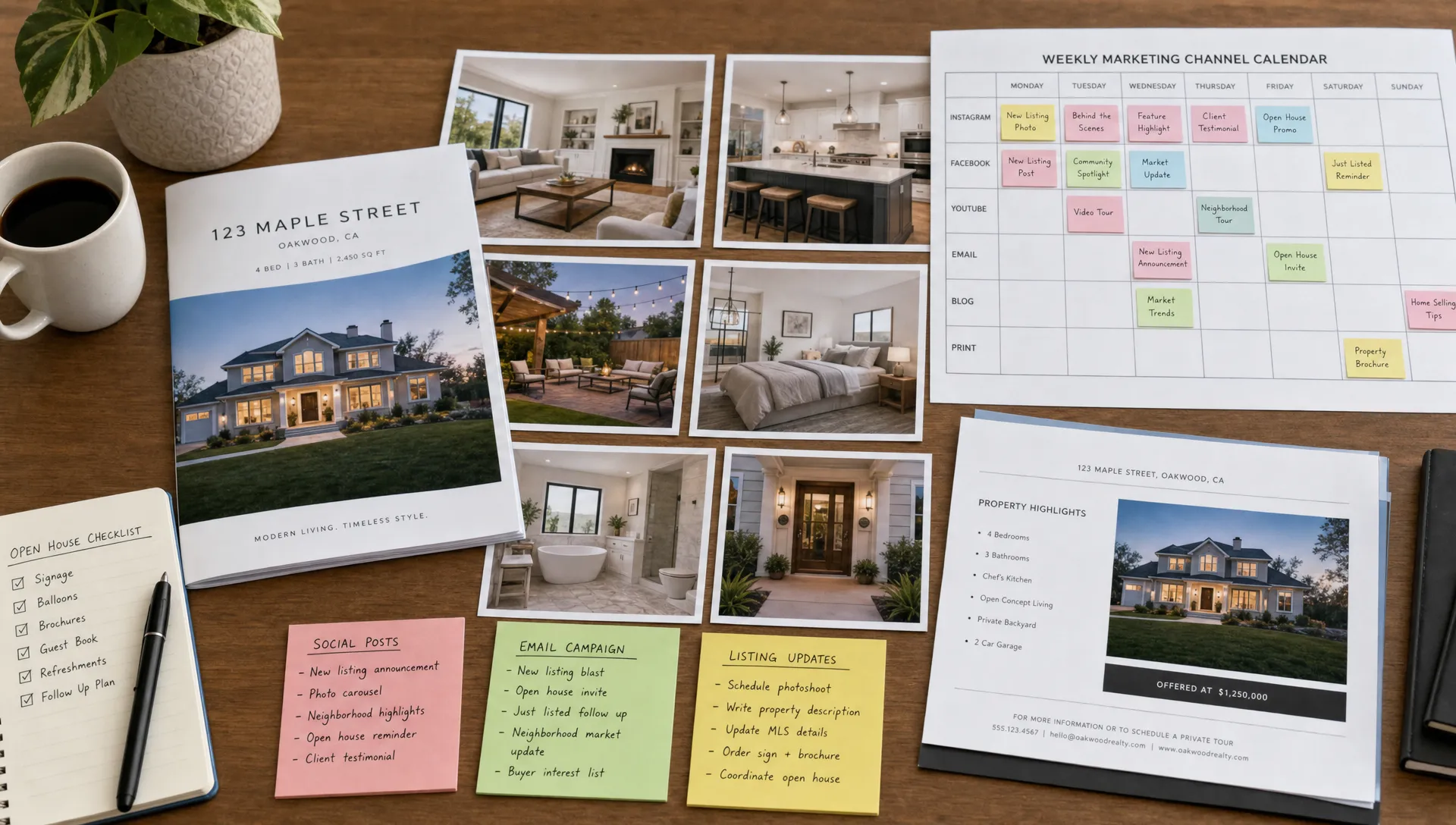
Turn the listing lifecycle into a publishing calendar
A real estate video plan should follow the listing lifecycle. Most agents think about the launch day, but video can support the campaign before the listing goes public, during the first weekend, after early feedback and after the sale.
| Listing moment | Video to publish | Best channels | Goal |
|---|---|---|---|
| Pre-launch | Coming soon teaser | Stories, email and buyer list | Warm up demand before the listing is public |
| Launch day | Hero listing video | Portal, website, YouTube and social | Drive inquiries and showings |
| First 48 hours | Feature clips | Reels, TikTok, Facebook and ads | Expand reach with specific hooks |
| Open house week | Invite video | Stories, SMS, email and Facebook | Increase attendance |
| Mid-campaign | FAQ or objection-response clip | Email, social and retargeting | Address buyer hesitation |
| Price update | Fresh value angle | Email, SMS and paid social | Re-engage interested leads |
| Under contract or sold | Results recap | Social, seller nurture and listing presentation | Build credibility with future sellers |
This calendar prevents last-minute posting. It also gives agency owners a way to standardize video marketing without making every agent invent a plan from scratch.
For solo agents, the same structure keeps you visible even when you are busy with showings, negotiations and follow-up. A few planned assets can fill two or three weeks of content, especially when each video has a specific purpose.
Write scripts that fit the channel, not just the property
The strongest realtor videos for marketing rarely list every feature. They select the right feature for the viewer and connect it to a practical benefit.
A listing portal script can be factual because the viewer is already comparing homes. A social teaser needs a sharper hook because the viewer did not ask to see the property. An email to past clients can be more conversational because the relationship already exists.
Use this simple script structure when planning each version:
- Open with the buyer reason to care: Lead with the result, such as more space, better commute, move-in condition, outdoor living or investment potential.
- Show the strongest visual early: Put the kitchen, view, garden, facade or living area near the start if it is the main hook.
- Explain the flow: Help the viewer understand how rooms connect, not just what each room contains.
- Add one local or lifestyle detail: Mention nearby amenities, commute context or neighborhood feel when it is relevant and accurate.
- End with one next step: Ask for a showing, invite a direct message, offer the full tour or suggest a valuation conversation.
Keep the script focused. If a video has five messages, the viewer may remember none of them. If it has one message repeated visually and verbally, the call to action becomes easier to follow.
Connect video publishing with lead follow-up
Publishing is only half the system. The leads and reactions that come from video need timely follow-up. A buyer who watches a full tour, replies to an email or clicks an open house reminder is showing intent. If that signal sits unnoticed for two days, the campaign loses momentum.
This is where simple automation can help independent agents and small agencies without replacing personal service. A clean CRM, clear lead stages and basic consent rules make it possible to trigger reminders, route inquiries and alert the right person when a lead takes a high-intent action. For a practical framework outside real estate, this guide to simple, measurable workflows that trigger human intervention is useful for small businesses that want automation without a heavy platform.
In real estate, the practical version might look like this: someone watches a buyer guide video and receives a follow-up email with new listings in that area. A past client clicks on a sold recap and is added to a seller valuation sequence. A lead replies to an open house video and the agent gets an immediate task to call.
If lead generation is the main goal of your video plan, it is worth connecting the creative work to specific follow-up paths. Diane's guide to video strategies for lead generation in real estate goes deeper into calls to action, audience segments and channel choices for lead capture.
Use AI to reduce production friction
Many agents avoid video planning because production feels heavy. Traditional shoots, editing delays and repeated resizing can slow down a listing campaign, especially when inventory moves quickly. AI video tools can reduce that friction by turning listing information, property photos and details into ready-to-publish video variations.
The planning discipline still matters. AI can help produce faster, but the agent or agency should define the strategy: who the video is for, what feature matters most, which channel it will serve and what action should come next.
For a typical listing, your input checklist should include:
- Accurate property details and compliance-approved descriptions.
- Best photos or visual assets for the main selling points.
- Preferred brand elements, such as colors, logo and agent name.
- Voice preference, including recorded voice, cloned voice or AI narration when available.
- Channel requirements, such as vertical social format, square feed format or horizontal website format.
This keeps video creation aligned with your actual marketing plan. The output should not be a random montage. It should be a channel-ready asset that supports the listing campaign.
Measure what matters on each channel
A video can perform well on one channel and poorly on another for reasons that have nothing to do with the property. The hook may be too slow for social, the tour may be too short for YouTube or the email subject line may not match the buyer segment. Measuring by channel helps you improve the next campaign.
| Channel | Useful metrics | What the metric tells you |
|---|---|---|
| Listing page | Inquiries, saved listings and showing requests | Whether the video supports buyer intent |
| Instagram and TikTok | Watch time, shares, saves and profile visits | Whether the hook and visual pacing work |
| Comments, local shares and event responses | Whether the property resonates with the local audience | |
| YouTube | Search impressions, retention and link clicks | Whether buyers are researching the property or area |
| Open rate, click rate and replies | Whether the segment and message match | |
| Paid ads | Cost per lead, landing page visits and form starts | Whether the creative and audience are aligned |
| Seller nurture | Replies, valuation requests and listing appointments | Whether video builds trust with future sellers |
Do not judge every video by views alone. A 300-view clip that generates two qualified showing requests may be more valuable than a 5,000-view post that reaches people outside your market. For agents and agency owners, the best metric is usually tied to the next commercial action.
Common mistakes to avoid
A cross-channel video plan does not need to be complicated, but it does need consistency. These mistakes create most of the wasted effort:
- Posting the same video everywhere without adjusting the crop, opening hook or call to action.
- Making every video a full property tour instead of creating short clips for specific buyer interests.
- Publishing on social without linking the attention to a showing request, lead form or direct message path.
- Waiting until the listing is live to think about video, which compresses the timeline and weakens quality control.
- Measuring only likes and views instead of tracking inquiries, replies, appointments and seller conversations.
The fix is not to produce more content for its own sake. The fix is to make each video easier to place, easier to understand and easier to act on.
Frequently Asked Questions
How many videos should I create for one listing? A practical starting point is one hero listing video, two or three short feature clips, one open house or showing reminder and one sold or under contract recap. Higher-end listings may justify more neighborhood, lifestyle and agent-led content.
What is the best length for realtor videos for marketing? It depends on the channel. Social teasers often work best when they are short and focused, while listing pages, YouTube and website tours can support longer walkthroughs. The better question is whether the video is long enough to answer the viewer's intent without adding filler.
Do I need to appear on camera? Not always. Agent presence can build trust, especially in seller content and market updates, but property-focused videos can also work with narration, captions or an AI avatar. Choose the format that feels credible for the channel and audience.
Should I use different videos for buyers and sellers? Yes. Buyer videos should help people understand the home, location and next step. Seller videos should prove your marketing process, show campaign quality and demonstrate results. The same listing can support both audiences if you plan the assets well.
Can AI create channel-specific real estate videos? AI can speed up production by generating narrated videos, adapting formats and creating branded variations from listing materials. The best results still come from a clear plan that defines the audience, message, channel and call to action before the video is produced.
Turn every listing into a multi-channel video campaign
A strong video plan helps you get more value from every listing, every photo set and every buyer interaction. Instead of creating one video and hoping it works everywhere, you can build a small library of channel-specific assets that support awareness, inquiries, follow-up and seller trust.
Diane helps real estate agents and agencies turn property listings into professional marketing videos with AI narration, animated avatars, voice options, multilingual support, cinematic editing and social media formats. If you want your next listing campaign to move faster across every channel, start with the plan, then let AI help you publish it consistently.