
What Makes a Realtor Video Look Professional?
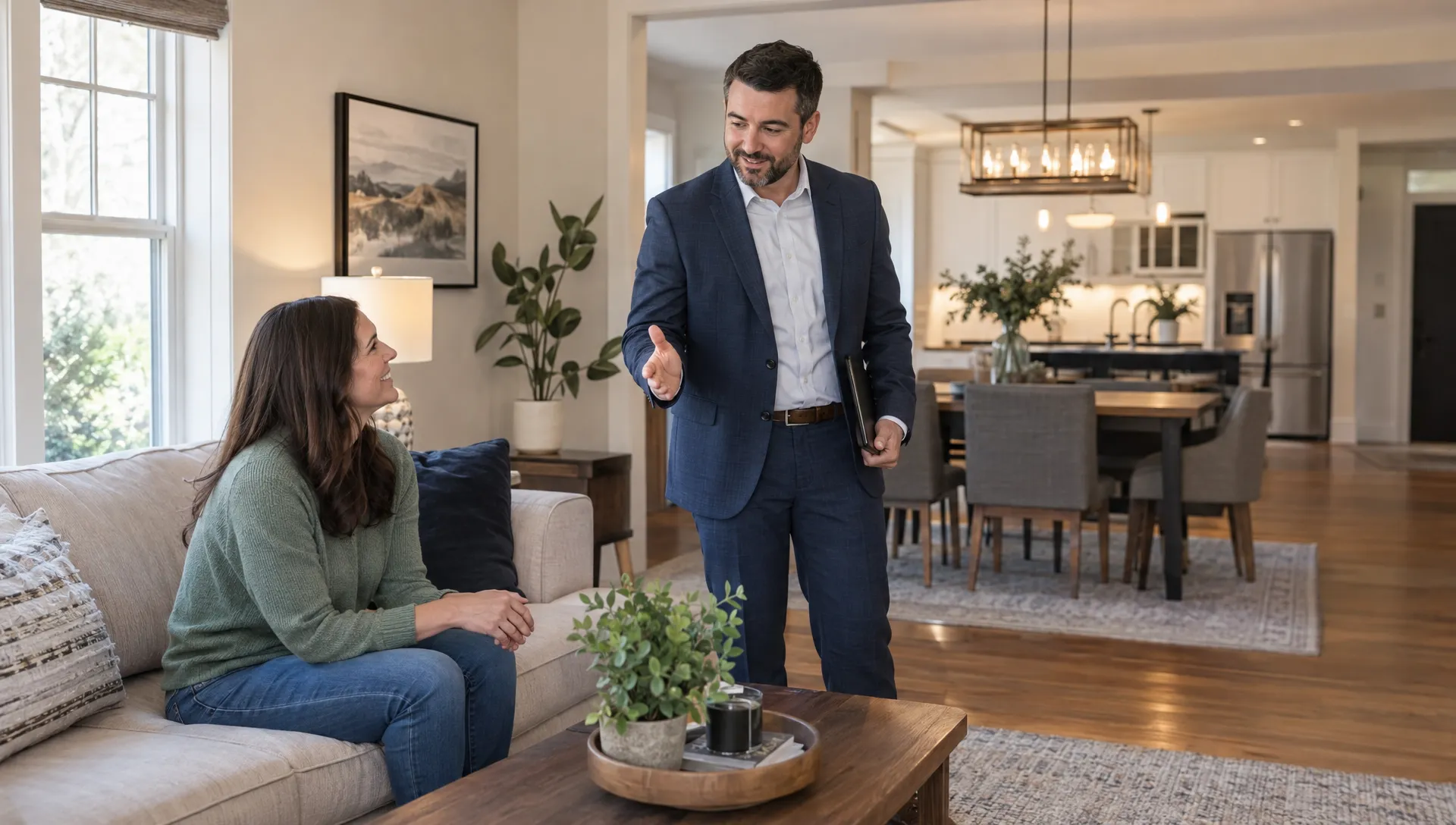
The habits that make a realtor professional in person should carry into every video: accurate information, clear communication and respect for a buyer’s time. A polished listing reel does not need sweeping drone shots or an expensive camera. It needs to help viewers understand the home without making them work around shaky footage, distracting graphics or unclear narration.
Professional quality comes from a series of small decisions. How you frame a doorway, balance music against speech and describe a digitally staged room all affect credibility. Here is how to judge those decisions before your next listing video goes live.
Start with clarity, not cinematic effects
A professional property video should answer three questions quickly: What am I looking at? Why does it matter? What can I do next?
Open with a shot that establishes the property or its strongest relevant feature. An exterior can provide context, but a distinctive living space may be a better opening for a condo. Avoid spending the first several seconds on a logo animation while the home remains unseen.
Give each shot a purpose. A wide view establishes the room, a second angle explains its connection to another space and a close-up can highlight a meaningful detail. Three nearly identical shots of a countertop add length without adding understanding.
A useful standard is whether someone unfamiliar with the listing can explain its main appeal after watching once. If they remember the transitions but cannot describe the home, simplify the edit.
What makes a realtor professional on video?
Visual control matters more than expensive equipment. The viewer should be looking at the property, not noticing how the camera was handled.
Keep framing steady and spaces believable
Level the camera so doorframes and walls remain upright. Use a tripod for stationary shots and controlled movement for walkthrough footage. Walk slowly enough to avoid abrupt changes in direction, particularly when crossing thresholds.
Choose a lens that shows the room without stretching its proportions. An extremely wide view can make a modest bedroom appear much larger, then disappoint buyers at the showing. Include a second angle when one view leaves the layout ambiguous.
For photo-based videos, select images that show complementary views rather than repeatedly animating the same composition.
Make lighting consistent
Aim for balanced exposure across the sequence. A bright kitchen followed by a nearly black hallway feels unfinished, even when each shot is technically sharp.
Watch for mixed lighting that turns one room orange and another blue. Adjust lighting or capture settings where possible, then check that corrections preserve realistic wall colors and finishes. Consistency should not come at the expense of accuracy.
Give narration the same attention as the picture
Viewers should find the realtor professional and easy to understand, not struggle to hear the explanation over background music. Clear speech is a basic production requirement, whether you record yourself or use generated narration.
For live recording, choose a quiet space and position the microphone close enough to capture your voice clearly. Listen for air conditioning, traffic and room echo before recording the whole script. A short test through headphones can reveal problems you barely notice in the room.
Music should support the narration rather than compete with it. Check the finished mix on a phone speaker as well as headphones. If a property detail disappears under the soundtrack, lower the music.
The script also affects perceived quality. Replace generic praise with useful specifics:
“An incredible kitchen for entertaining” tells buyers less than “The kitchen opens directly to the dining area, with seating along the island.”
Read every line aloud. Shorten sentences that force an awkward breath and check the pronunciation of street names, neighborhoods and local landmarks. With voice cloning or AI avatars, review emphasis and pacing too. A technically clean voice can still sound unnatural if it stresses the wrong words.
If appearing on camera feels stiff, focus on an introduction that sounds like a real conversation rather than adopting a commercial announcer’s voice.
Edit so buyers can follow the home
The editing choices that make a realtor professional on screen are usually restrained: consistent pacing, readable captions and cuts that preserve the viewer’s understanding of the layout.
Organize the sequence around a logical route or a clear set of priorities. You might move from exterior to living areas, then bedrooms and outdoor space. A compact social reel can be more selective, but it should not suggest that disconnected spaces sit beside each other.
Let a shot remain visible long enough to understand it. A brief detail shot may need little time; a wide view showing an open-plan layout needs more. Cutting every image to the same duration can make the sequence feel mechanical.
Use transitions to connect shots, not to demonstrate how many effects are available. Repeated spins, flashes and speed changes can hide useful details or make the video tiring to watch.
Captions deserve their own review. Correct transcription errors, break text into readable phrases and keep it clear of important room features. Preview the video at normal phone size. Text that looks elegant on a large editing monitor may be unreadable in a feed.
Keep the presentation accurate, including AI-generated elements
A buyer has little reason to consider a realtor professional if the video misrepresents the home. Visual polish cannot compensate for inaccurate room counts, outdated pricing or an altered view.
Check the script and on-screen text against current listing information. Verify dimensions, property features and any claims about renovations. Describe observable characteristics rather than making assumptions about who should live there. Follow applicable fair housing rules, brokerage policies and advertising requirements.
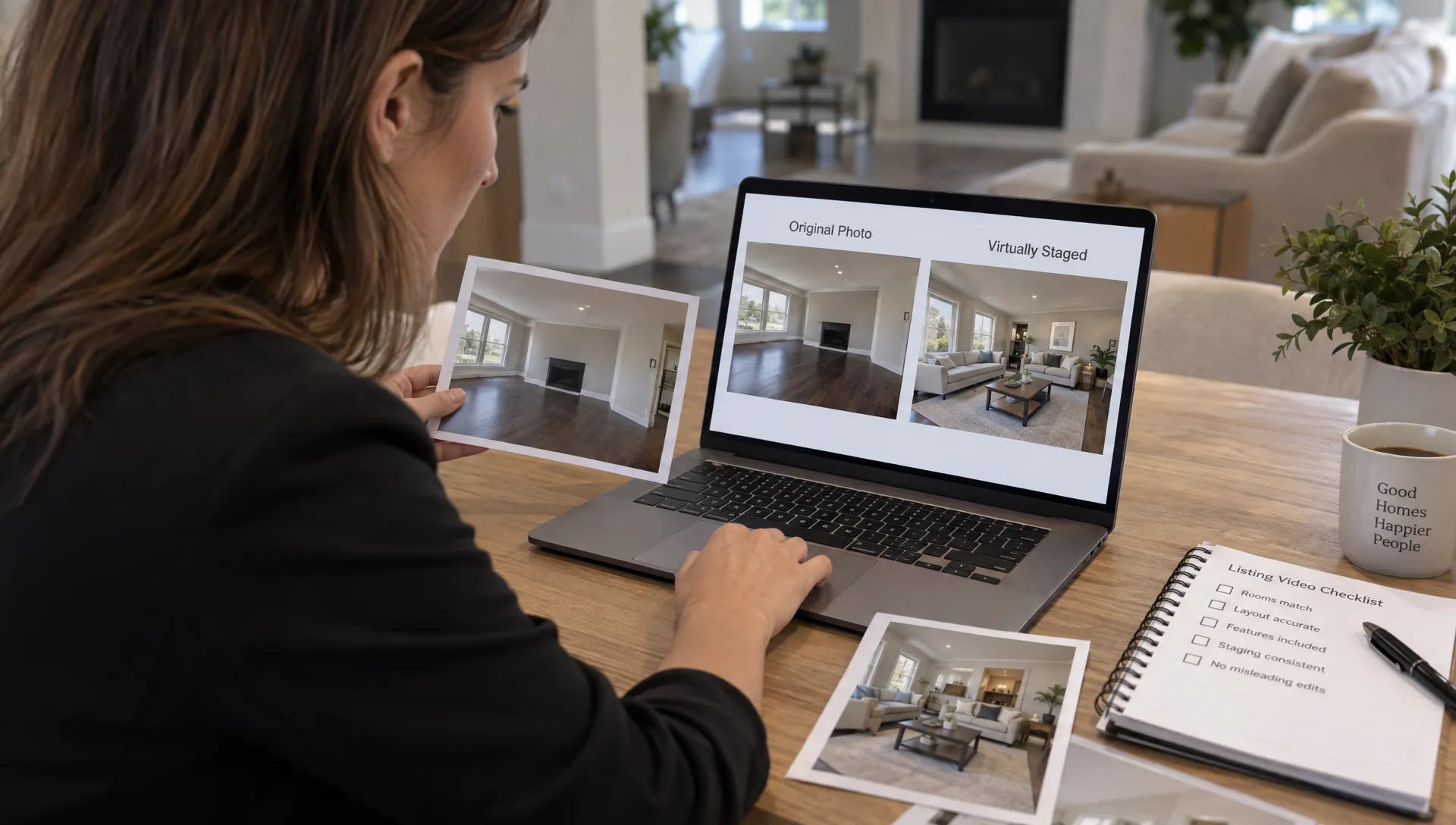
Virtual staging needs particular care. Label staged images clearly and follow the disclosure rules of the relevant listing platform and jurisdiction. Adding furniture is different from removing a structural column, changing a window view or hiding property damage.
AI-generated camera movement also needs inspection. Watch for warped cabinetry, shifting window frames or furniture that changes shape between frames. If an animation introduces uncertainty about a feature, use a simpler treatment or the original image.
An avatar should not obscure the feature being described. Keep the presentation focused on the property and use only faces and voices you have permission to reproduce.
Match the branding and format to the viewing experience
Branding should reinforce the qualities that make a realtor professional, not compete with the listing. A consistent typeface, restrained color palette and recognizable closing frame are usually more useful than a large logo on every shot.
Keep required brokerage information and advertising disclosures legible. Check applicable rules for their wording and placement rather than assuming a small end-card disclaimer is sufficient.
For teams, a shared approach to consistent branding across listing videos can prevent each agent’s output from looking unrelated. Within those standards, the property should still determine the story.
Export for the destination rather than relying on one crop everywhere. A common vertical format is 1080 × 1920 pixels, while 1920 × 1080 is a common widescreen format. Platform requirements vary, so confirm them before delivery. Reposition captions and branding when adapting the frame, then check the actual upload preview for interface overlays.
Distribution is a separate quality check. If you hire managed advertising support, ask how video variations will be tested and how inquiries will be tracked. A polished export alone does not establish whether a campaign reaches relevant buyers or generates useful responses.
Run a final review before publishing
The final test is whether a viewer finds the realtor professional, the property understandable and the next step obvious. Review the exported file, not just the editing preview, because the final crop, sound and text may reveal problems you missed.
Use three passes: one with sound, one muted and one on a phone at normal viewing size. Each exposes a different kind of weakness.
| Review area | What to check | Fix before publishing |
|---|---|---|
| Property accuracy | Facts, room sequence and visual alterations | Correct errors and add required disclosures |
| Picture | Stable framing, realistic proportions and consistent exposure | Replace distracting or misleading shots |
| Sound | Clear narration, correct pronunciation and balanced music | Re-record, regenerate or adjust the mix |
| Text | Accurate captions and readable contact details | Correct wording and reposition overlays |
| Delivery | Suitable crop and a working destination | Preview the upload and test the inquiry route |
Ask someone unfamiliar with the property to watch once. Can they identify its main feature and explain how to request more information? That is more useful feedback than asking whether the video looks “nice.”
Frequently asked questions
Do I need a professional camera for real estate videos? No. A capable phone can produce useful footage when lighting, framing and sound are controlled. Dedicated equipment may help in difficult conditions, but it will not fix an unclear sequence or inaccurate script.
How long should a professional listing video be? Long enough to explain the property’s main appeal without repeating shots. A short social teaser and a detailed walkthrough serve different purposes. Choose the length around the viewing context rather than treating one duration as a universal rule.
Can AI-generated listing videos look professional? Yes, provided the inputs are accurate and the finished video is reviewed. Check generated movement, narration, captions and disclosures. Automation can reduce production work, but responsibility for the published representation still rests with the advertiser.
Does every video need the agent on camera? No. Clear property footage with useful narration can work without an on-camera introduction. Include an agent or avatar when their presence adds context, recognition or a helpful explanation rather than simply occupying screen space.
Build a repeatable production standard
Professional quality becomes easier to maintain when you use the same review process for every listing: select accurate source material, explain the property clearly and inspect the finished export.
Diane turns listing information and photos into narrated property videos, with options including voice cloning, AI avatars, custom branding and social media formats. It can help streamline production while you retain responsibility for checking facts, presentation and disclosures.
The goal is not to make every home look cinematic in the same way. It is to make the property clear and the realtor professional, with a straightforward path from watching to making an inquiry.