
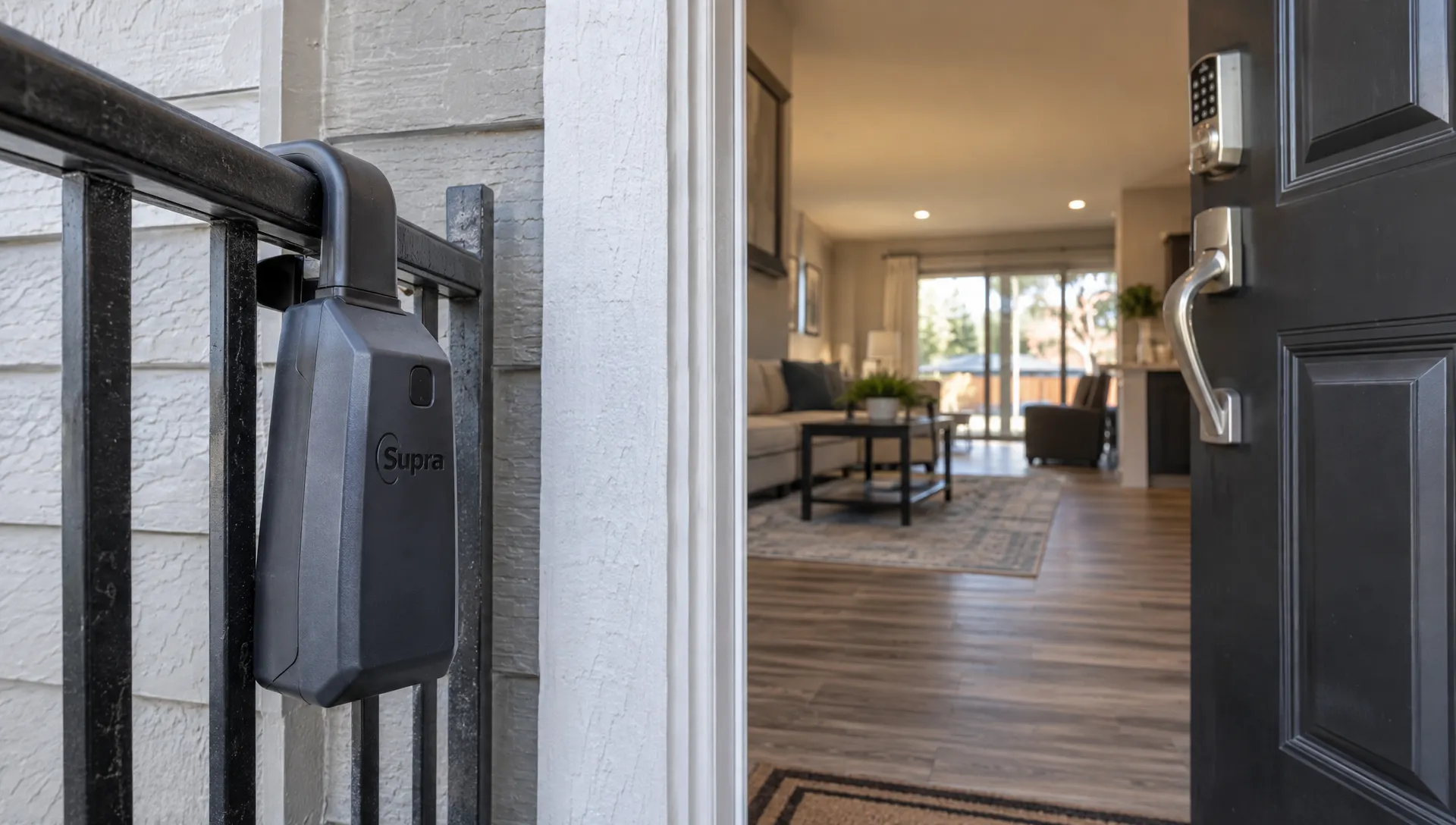
How to Create a Free Zillow Listing and Promote It With Video
A free Zillow listing can give a property a searchable home online, but publishing it and promoting it are two different jobs. First, you need the right listing route: MLS or brokerage syndication for an agent-represented property, or Zillow’s for-sale-by-owner process for an eligible owner selling without an agent. Then you can use video to help buyers understand the home and find the listing.
For agents, the priority is getting accurate information into the correct source system, checking what appears publicly and building a reusable video from approved listing assets. This guide covers that sequence without confusing free publication with free photography, brokerage services or advertising.
Choose the right route before creating the listing
For agents: start with your MLS or brokerage feed
Many agent-represented properties reach Zillow through an MLS, brokerage or other authorized listing feed. Before trying to create a separate property post, ask your broker or MLS administrator whether Zillow syndication is available and enabled for the listing.
Enter the property information in the designated source system, confirm the seller’s marketing authorization and follow your brokerage’s publication rules. If the listing is already active there but missing from Zillow, investigate the feed rather than creating a duplicate owner listing.
A free Zillow listing does not mean your MLS membership, photography or brokerage services are free; it means standard listing visibility is separate from those expenses.
The useful questions to ask are specific: Which system supplies the listing? Who controls corrections? Is internet display authorized? Who should troubleshoot a missing or outdated property page? Those answers make the rest of the workflow much simpler.
For owners: use the for-sale-by-owner process
Zillow offers a no-cost posting route for eligible for-sale-by-owner properties. An agent helping a client should not present an agent-represented home as FSBO merely to bypass syndication problems.
An owner can begin at Zillow’s selling section and follow the current for-sale-by-owner posting instructions. Interface labels, eligibility requirements and verification steps can change, so use the live process rather than relying on an old screenshot tutorial.
The basic preparation sequence is:
- Locate the property: Search the address and confirm that you have selected the correct home.
- Choose the appropriate posting option: Follow Zillow’s current process for a home being sold directly by its owner.
- Enter the sale details: Provide the asking price, property facts, description and permitted contact information.
- Upload authorized photos: Use images you own or have permission to publish and check their order.
- Complete verification and review: Respond to any ownership or submission checks, then inspect the published page when it becomes available.
For an owner, a free Zillow listing is a publication option, not a substitute for pricing advice, required disclosures or transaction support. Avoid promising a seller an exact publication time because review and feed processing can vary.
Publish accurate information and inspect the live page
Treat the source record as the starting point, not proof that the public listing is correct. Once the home appears on Zillow, open its public page on both a phone and a desktop.
Check the address, asking price, bedroom and bathroom counts, square footage, property type and current status. Verify that the lead image is the intended one and that the description has not lost important formatting or information during syndication.
Pay particular attention to contact options. Confirm the listing attribution and understand where each inquiry route sends a buyer rather than assuming every button connects directly to the listing agent.
Before promoting a free Zillow listing, make sure the public page matches the approved property information and offers an appropriate next step for interested buyers.
For a syndicated listing, corrections generally need to start in the source system. If an update does not appear, work through your brokerage, MLS or feed provider’s support process. For an owner-submitted listing, use the available management controls and support options.
Save the correct public URL once the page is live. That URL, or a brokerage-approved property landing page, will become the destination for your video campaign. Keep a record of which source controls price and status so later changes do not leave conflicting information across channels.
Prepare photos that work for both search and video
Video cannot fix an inaccurate listing or a confusing photo set. Before editing, choose images that show the property’s layout and useful features: the exterior, main living area, kitchen, primary bedroom, outdoor space and a distinctive feature worth explaining.
Use a sequence that helps buyers understand the home rather than making every frame compete for attention. Remove redundant views, check exposure and confirm that image rights cover social media use as well as listing publication.
Small preparation tasks can improve both formats. Clear kitchen counters, open curtains where appropriate and organize visible storage. For a closet photograph, space-saving closet organizers from MORALVE are one option for arranging clothing neatly before the shoot. The goal is a clear view of the actual space, not an impression that the closet is larger than it is.
The same approved photos can support a free Zillow listing and its promotional video, provided their licensing allows both uses.
If you use virtual staging, label it clearly and follow applicable MLS, platform and brokerage rules. Do not remove defects, change structural features or present generated furnishings as included with the sale.
Turn your free Zillow listing into a short video
Choose a focused sequence
A practical starting point is a 20- to 40-second video built around one property-specific reason to watch. That duration is a production recommendation, not a guarantee of engagement or a platform requirement.
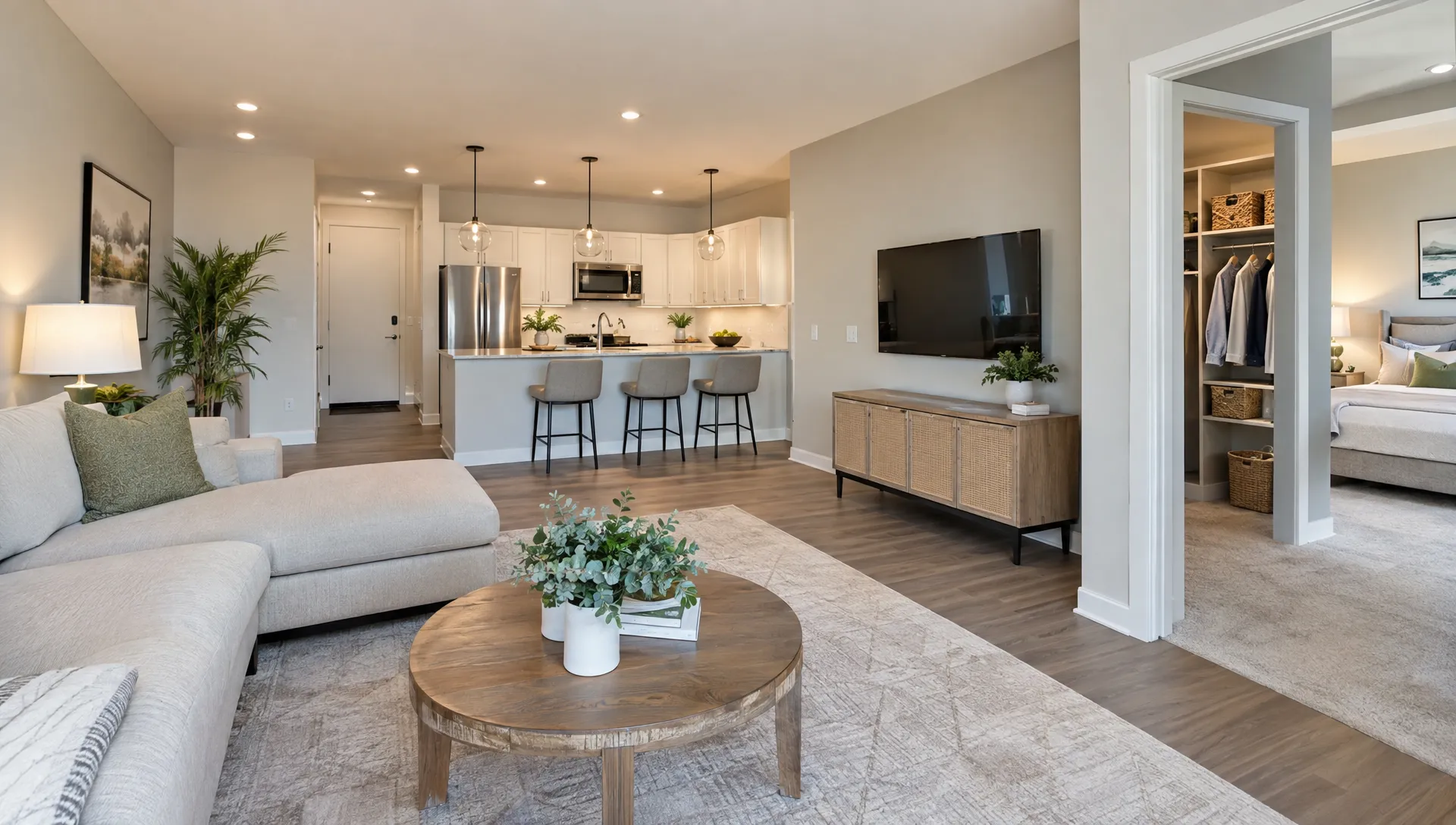
Open with the strongest relevant image, then show enough connected spaces to explain the home. A useful sequence might move from the exterior to the living area, kitchen, primary bedroom and backyard before ending with the next step.
For a vertical social version, inspect every crop. A landscape photo that looks excellent on Zillow can lose a doorway, window or important room feature when fitted into a 9:16 frame. Reposition the image or use a layout that preserves the information.
Avoid opening with a long logo animation. Buyers should see the property before they see several seconds of branding.
Write narration from verified facts
The narration should help buyers interpret what they see, not read every field on the property page. Select two or three verified features and connect them to the images on screen.
For example, if the details are accurate and approved:
This three-bedroom home has an open kitchen and living area, a covered patio and a fenced backyard. See the full photo set, current price and property details through the listing link, then contact the listing agent to arrange a showing.
A video promoting a free Zillow listing should give buyers enough context to continue, while leaving the complete specifications and current availability on the property page.
Avoid unsupported claims such as “guaranteed investment,” “best neighborhood” or “minutes from everything.” Use property-focused language rather than descriptions of preferred occupants. Check school, distance and amenity claims before including them.
If the price appears in the narration or on screen, plan to update the video when it changes. Leaving price out can make the asset easier to reuse, but the linked page must remain current.
Produce and review the video
Diane can turn listing information, photos and property details into narrated real estate videos. Its features include listing import from portals, AI avatar presentation, voice cloning, multilingual support, cinematic editing and social media formats.
Use only voices and likenesses you are authorized to reproduce. Review generated narration for address pronunciation, property facts and any wording that introduces an unsupported feature. When publishing another language version, have a qualified speaker check the translation, especially transaction-related terminology.
You can promote a free Zillow listing with an AI-generated video, but Zillow publication and the video tool’s pricing are separate matters. Confirm the tool’s current terms rather than assuming video production is included at no cost.
Watch the finished export with sound on and off. Check captions, branding, image crops and the final call to action. If you want video on the Zillow page itself, first confirm the options available through your listing source or account; this guide to adding video to a new Zillow listing explains the workflow considerations.
Promote the video with a clear destination
Publishing a social video does not automatically attach it to a Zillow listing. Think of social posts, email and your website as separate entry points that send buyers toward complete property information.
Choose the destination deliberately. A Zillow URL lets viewers open the portal listing. A brokerage-approved property page can provide your own contact route and additional materials. Either way, the page should be mobile-friendly, accurate and consistent with the video.
| Channel | Practical video use | Appropriate next step |
|---|---|---|
| Publish a vertical property reel with a clear caption | Direct viewers to the relevant profile link or another available clickable placement | |
| Share the video with concise property context | Include the approved property link in the post | |
| Agent website | Place the video alongside photos and listing details | Offer a clear showing or inquiry option |
| Use a linked thumbnail that opens the video or property page | Send recipients to current details and contact information |
When sharing a free Zillow listing through video, use one primary action per post: view the details, request a showing or contact the listing agent.
Do not promise a clickable link where the placement does not support one. Test the complete journey from the published post, not just from your editing preview. For more channel-specific ideas, use this guide to promoting a Zillow listing with a short video.
Measure buyer actions and keep the campaign current
Views can tell you whether the opening attracted attention, but they do not establish buyer intent. Track available link clicks, property-page visits, inquiries and showing requests alongside watch time.
Use tracking links where your destination and channel support them. If you send buyers to Zillow, recognize that you may have less visibility into their activity after the click than you would on a website you control. Do not describe portal visits as attributable leads unless your data supports that conclusion.
Judge promotion of a free Zillow listing by the buyer actions you can verify, not by a view count alone.
Record the publication date, destination URL and version of each video. When the price, availability or open-house schedule changes, review captions, narration, overlays and scheduled posts. Remove or revise expired event promotions promptly.
This maintenance is particularly useful for agencies managing several listings. A simple campaign record helps prevent an old reel from promoting a sold property as available or advertising a price that no longer applies.
Frequently asked questions
Can a real estate agent post on Zillow for free? Many agent listings appear through MLS or brokerage feeds without a separate Zillow listing-publication charge. Confirm your feed arrangements and applicable costs with your brokerage or MLS. Do not use the owner-posting route to misclassify an agent-represented property.
Does a free listing include video production or advertising? No. A free Zillow listing does not automatically include professional photography, a paid video tool, boosted social posts or other advertising services. Organic sharing and paid promotion are separate choices.
Can I upload a promotional reel directly to Zillow? Available video options depend on the listing source, account and Zillow’s current supported workflows. Confirm those options before producing a video for direct upload. A social reel can still promote the property without being hosted on Zillow.
What if the property is already on Zillow? Verify its source, status and accuracy before creating anything new. For an agent-represented home, work through the authorized feed and correction process rather than adding a duplicate listing.
Does this process apply to rental listings? This guide covers homes for sale. Rental publication, fees and promotion options follow a separate workflow, so check the current rental terms before proceeding.
Create the video after the listing is ready
Get the publication route right, verify the live page and select approved photos first. Then build a short video that explains the property and points buyers to current details.
If you want to produce that asset from listing information and photos, explore Diane’s AI real estate video platform. Review the result before publishing and keep it synchronized with the listing throughout the campaign.