
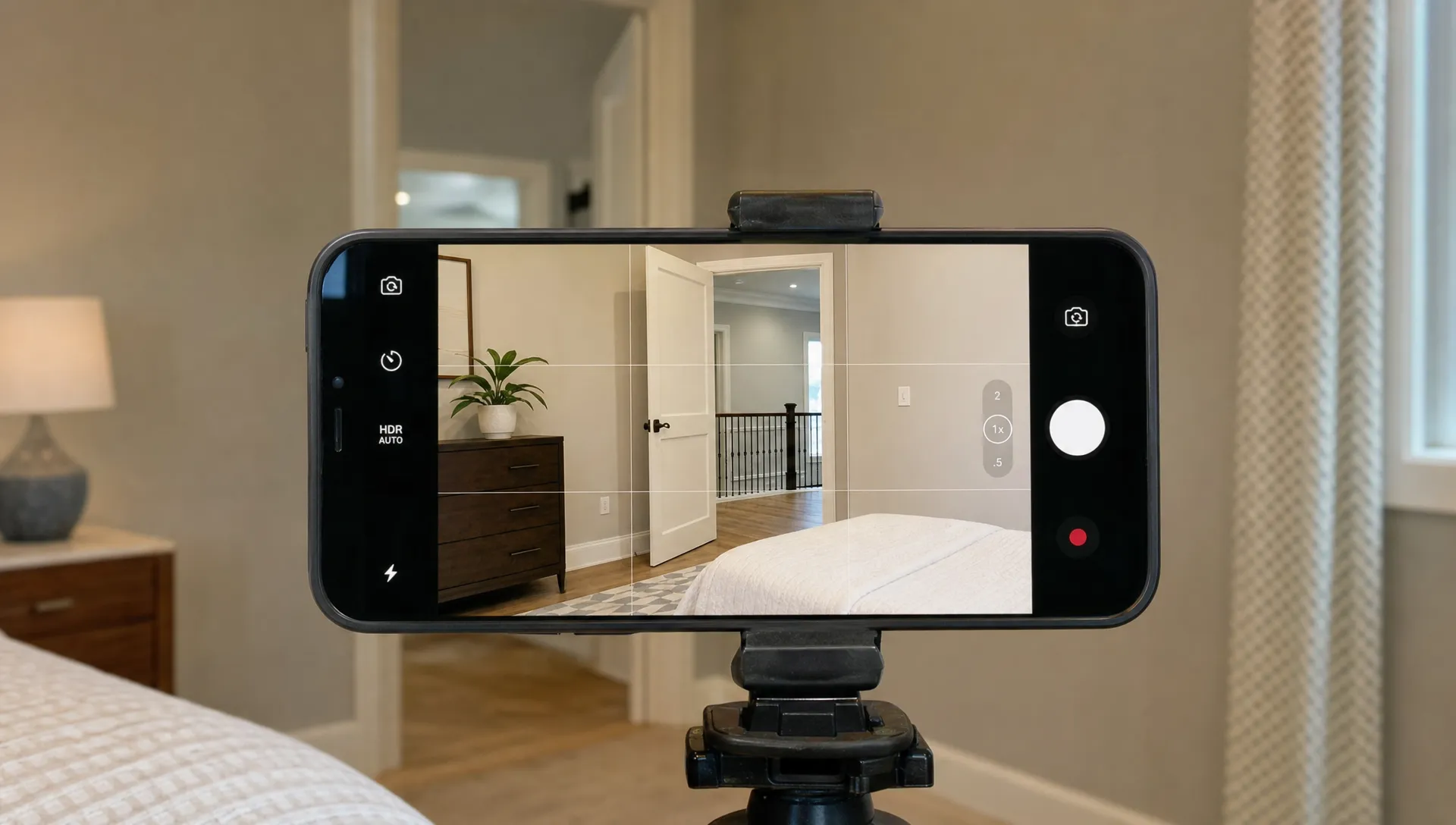
How to Make Cool Real Estate Videos Without a Film Crew
Making cool real estate videos no longer requires a videographer, a drone pilot, a presenter, a sound engineer and a half-day shoot. For most agents, the bigger advantage is not cinematic perfection. It is speed, consistency and the ability to make every listing feel worth watching. With a phone, a basic plan, clean lighting and the right AI tools, you can create polished property videos that look intentional rather than improvised.
That matters because buyers scroll quickly. They may see your listing first on Instagram, TikTok, Facebook, YouTube Shorts or a portal preview, often before they read the description. A strong video gives them the feeling of moving through the home, while your narration explains what photos cannot: flow, lifestyle, upgrades and why the property is worth a visit.
What Makes Cool Real Estate Videos Feel Professional?
Professional looking videos are rarely about expensive gear alone. They feel good because the agent made clear choices: what to show first, which rooms deserve more time, how the camera moves and what the viewer should understand by the end.
At their best, cool real estate videos have three qualities. They are easy to follow, emotionally specific and formatted for the platform where they will be watched. A buyer should understand the property type, key selling point and next step within the first few seconds.
A video of a downtown condo might open with the skyline view because that is the lifestyle hook. A family home might start with the open kitchen flowing into the backyard. A renovated starter home might lead with the new finishes and low-maintenance layout. The point is not to show every corner equally. The point is to guide attention.
Think like a listing agent, not a filmmaker. Your job is to help the right buyer say, “I need to see this in person.”
Start With the Buyer’s Question, Not Your Camera
Before you film, write one sentence that answers the buyer’s main question: “Why should I care about this home?” That sentence becomes the backbone of the video.
For example, “This is a move-in ready three-bedroom home with a sunny backyard, updated kitchen and easy access to commuter routes.” From there, every shot should support that promise. If a clip does not help prove it, cut it.
The goal of cool real estate videos is not to document the home room by room like an inspection report. It is to create a guided preview that makes the buyer feel oriented and interested. That means your script should sound helpful, not salesy.
A simple script structure works well:
- Open with the strongest lifestyle or location hook.
- Name the property type, size and standout feature.
- Walk viewers through the main living spaces in a logical order.
- Mention upgrades, outdoor space or neighborhood value.
- End with a clear invitation to book a showing or ask for details.
If scripting is the part that slows you down, use a repeatable framework. This guide on writing a real estate script for a property video can help you turn listing details into narration that sounds natural.
Prep the Property to Look Expensive on a Phone
A phone camera is less forgiving than your eyes. It will exaggerate dark corners, clutter, crooked blinds, harsh reflections and messy countertops. Before filming, spend 20 minutes improving what the camera sees.
Start with light. Open blinds, turn on lamps and avoid filming directly into bright windows unless the view is the point. If a room feels flat, use lamps to create zones: one near seating, one near a corner and one near a feature such as a console or artwork. The same principle applies to homes without overhead fixtures. This guide to creating a lighting concept without a ceiling connection is useful because it explains how light islands can make a room feel warmer and more functional.
Well staged cool real estate videos also depend on small corrections. Close toilet lids, hide cords, straighten pillows, remove personal clutter and clear fridge magnets. In kitchens, show counter space. In bedrooms, show walking space. In bathrooms, show cleanliness and light.
Do not over-stage until the home feels fake. The camera needs order, scale and warmth. A buyer still needs to believe real life could happen there.
A Simple Shot Plan for Cool Real Estate Videos
Solo agents do not need dozens of complicated shots. You need a clean sequence that makes the property easy to understand. Use a tripod, gimbal or two-handed grip, then move slowly. Fast camera movement is one of the quickest ways to make a listing video feel amateur.
The table below gives you a practical shot list you can capture without a crew.
| Moment | What to film | Why it works |
|---|---|---|
| Opening hook | Best exterior angle, view or hero room | Gives viewers a reason to keep watching |
| Arrival | Front entry, building lobby or driveway | Establishes the first impression |
| Main living area | Slow pan from one corner to the next | Shows layout and natural light |
| Kitchen | Countertops, appliances and connection to dining or living space | Highlights daily-use value |
| Primary bedroom | Wide shot from doorway or corner | Shows scale without distortion |
| Outdoor space | Patio, balcony, yard or street context | Adds lifestyle and emotional pull |
| Closing frame | Best room, exterior or view with CTA narration | Leaves buyers with a clear next step |
The best shot plan is simple enough to repeat for every listing. Once you know your sequence, filming gets faster and your brand becomes more recognizable.
Record Clean Narration Without Turning the Home Into a Studio
Bad audio can make a good video feel unfinished. If you record your own narration, do it separately from the property shoot. Stand in a quiet room, avoid echo, speak slightly slower than normal and record a few versions so you have options.
A small lavalier microphone can help, but you can also get usable narration from a modern phone if the room is quiet. Closets, carpeted bedrooms and furnished offices often sound better than empty kitchens or bathrooms. Keep your mouth a consistent distance from the microphone and smile slightly while speaking. It changes the tone more than most people expect.
A good voice track helps cool real estate videos feel guided instead of random. It can point out the reason behind a shot: “The kitchen opens directly onto the deck, which makes summer entertaining easy,” or “The split-bedroom layout gives guests privacy.” That kind of context makes the video more persuasive than music alone.
If you do not want to appear on camera or record every voiceover yourself, AI presentation can fill the gap. Diane supports AI avatar presentation and voice cloning narration, which can help agents maintain a consistent on-camera feel without setting up a studio for every listing. For more on this approach, see how real estate avatars make listing videos more personal.
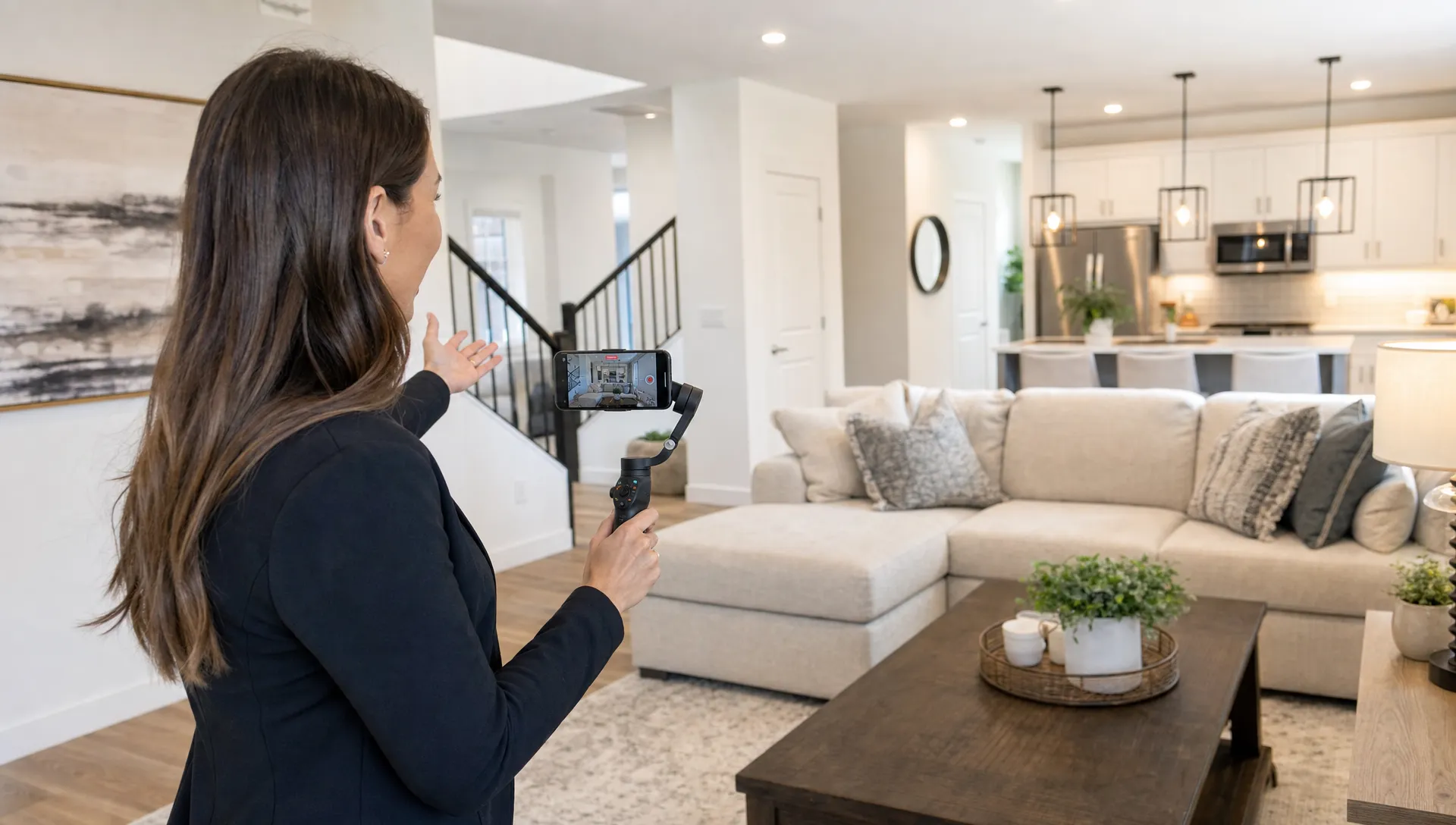
Use AI to Replace the Parts a Crew Would Normally Handle
A traditional crew often handles shot selection, scripting, narration, editing, captions, branding and exports. You can do those things manually, but the process becomes hard to repeat when you have multiple listings, price changes and social posts to manage.
AI helps cool real estate videos become scalable because it can turn existing listing assets into publishable content faster. With Diane, agents and agencies can create narrated property videos from listings, photos and details in minutes. The platform is designed for real estate video creation, including listing import from portals, AI avatar presentation, voice cloning narration, multilingual video support, virtual home staging, cinematic AI editing, social media formats, custom real estate branding and direct social publishing.
That does not mean AI replaces your judgment. The strongest results still come from good inputs: accurate property details, strong photos, a clear hook and a script that reflects the buyer’s likely priorities. AI speeds up production, but your local knowledge makes the video credible.
Use automation for the repetitive work. Use your expertise for positioning, pricing context and the story behind the home.
Edit for Where the Video Will Be Watched
A listing video should not be treated as one file that goes everywhere unchanged. A vertical reel, a portal video and a YouTube version all have different viewing behavior. Cropping, captions, pacing and calls to action should match the channel.
Social ready cool real estate videos usually need a stronger opening than MLS videos. On Instagram or TikTok, start with the best visual first, not the front door by default. Add captions because many viewers watch without sound. Keep text short enough to read on a phone and avoid placing important details where platform buttons will cover them.
For portals and listing pages, viewers may tolerate a slower pace because they are already researching the property. You can spend more time on layout, room sequence and practical details. The same footage can work in both places if you plan the edit correctly.
If you already have footage and want to adapt it across channels, this guide on how to format real estate videos for social media without reshooting explains how to repurpose one shoot more efficiently.
Mistakes That Make a No-Crew Video Look Cheap
Most amateur listing videos fail for predictable reasons. The agent films too fast, uses unclear room order, leaves clutter in the frame or relies on music without explaining what makes the home special.
Cool real estate videos do not need flashy transitions. In fact, too many effects can make the property feel less trustworthy. Buyers want clarity. They want to know how the home flows, what condition it is in and whether it fits their life.
Watch for these common issues before publishing:
| Mistake | Why it hurts the video | Better approach |
|---|---|---|
| Walking too quickly | Viewers cannot understand the space | Move slowly or use static pans |
| Starting with a weak shot | People scroll before seeing the value | Lead with the best room, view or feature |
| Overusing wide angle | Rooms can look distorted | Use wide shots carefully and include natural angles |
| No narration | Viewers miss context | Add a short voiceover or avatar introduction |
| One format for every channel | Cropping and overlays can hide details | Export versions for each platform |
Before you post, watch the video once with sound and once without sound. If it still communicates the property’s main value silently, your edit is in good shape.
Frequently Asked Questions
Can I make cool real estate videos with only a smartphone? Yes. A modern smartphone, good light, a steady grip and a clear shot plan are enough for most listing videos. Add a tripod or gimbal if you want smoother movement.
How long should a real estate listing video be? For social media, 20 to 45 seconds often works well. For a portal, website or buyer follow-up, a 60 to 90 second version can give more context without feeling slow.
Do I need to appear on camera? No. You can use voiceover, captions, an AI avatar or a short branded intro instead. Appearing on camera can build trust, but it is not required for every property video.
What should I film first? Start with the strongest reason to watch: a view, kitchen, outdoor space, renovated feature or location benefit. You can show the front exterior later if it is not the strongest hook.
Make Better Listing Videos Without Waiting on a Crew
A film crew can be useful for luxury campaigns or complex brand shoots, but most everyday listings need speed, consistency and polish. If you prepare the home, follow a repeatable shot plan, record clear narration and format the final video for each channel, you can produce marketing assets that feel professional without slowing down your listing workflow.
Diane is built for agents and agencies that want to turn listings, photos and property details into ready-to-publish real estate videos with AI narration, avatars, cinematic editing, branding and social formats. Use it to reduce production friction, keep your marketing consistent and give every listing a stronger chance to get noticed.