
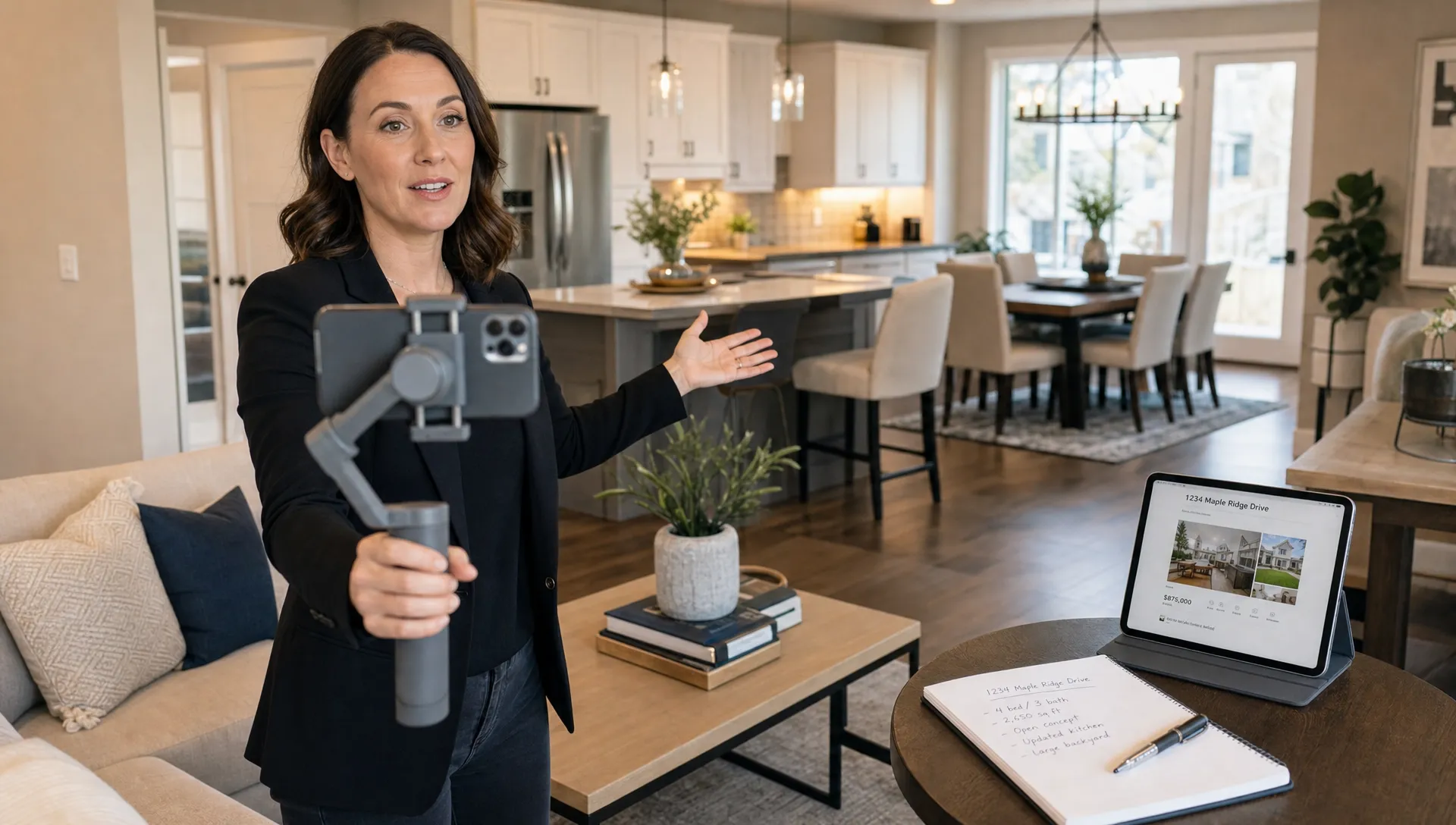
How to Use Video Alongside Real Estate Listing Sites
Real estate listing sites remain the place where serious buyers compare homes, save favorites and request showings. They are not going away. For most agents, the smarter question is not whether video should replace those sites, but how video can make each listing page work harder.
A listing page gives buyers facts. Video gives them momentum. It helps them understand the flow of a home, feel the scale of a living space, notice light, connect rooms and imagine what the property might be like in person. When used well, video turns the static information on real estate listing sites into a fuller buying experience that can travel across portals, social media, email and agent follow-up.
The goal is not to make a beautiful reel in isolation. The goal is to build a connected marketing system where every video points buyers back to the listing, answers the questions the listing cannot answer alone and gives agents more reasons to follow up.
Listing sites and video solve different jobs
Real estate listing sites are built around search. Buyers filter by price, location, bedrooms, property type, school district, commute and dozens of other criteria. The experience is efficient because listings are standardized. That same standardization can also flatten the personality of a home.
Video adds the missing layer: sequence, pacing and interpretation. It allows the agent to control what the buyer sees first, how they move through the space and which features deserve attention. A photo gallery may show a renovated kitchen, but a video can show how that kitchen connects to the dining area, patio and family room.
| Marketing element | What it does well | Where it falls short | How video helps |
|---|---|---|---|
| Listing site page | Captures active buyer demand and presents verified property data | Can feel similar to competing listings | Adds narrative, movement and emotional context |
| Photo gallery | Lets buyers inspect rooms at their own pace | Can make layout hard to understand | Shows flow between spaces |
| Written description | Highlights facts, finishes and selling points | Often skimmed quickly | Turns key points into spoken or visual moments |
| Social reel | Creates quick attention outside listing sites | Needs a destination for serious buyers | Sends viewers back to the listing or showing request |
| Follow-up video | Re-engages interested leads | Requires timely creation | Answers objections and reinforces value |
The best results come from treating listing sites as the conversion hub and video as the attention and explanation layer around that hub.
Start with the listing page as your source of truth
Before creating a video, make the listing page accurate, complete and clear. The listing should contain the canonical facts: price, square footage, bedroom count, property type, disclosures where applicable, open house details and showing instructions. Video should support those facts, not create a second version of the story.
This matters because buyers often move between channels. They may see a vertical reel on Instagram, open the listing on a portal, send it to a partner, come back through an email alert and then ask for a showing. If your video mentions features that are missing from the listing page, or if the listing copy says something different from the video narration, confidence drops.
A simple approach is to pull three layers from the listing before writing the video script:
- The non-negotiable facts: price, location, bed and bath count, size, property type and availability.
- The primary buyer promise: the one thing that makes this home worth stopping for, such as a backyard, renovation, view, floor plan or walkable location.
- The proof points: the specific rooms, finishes, upgrades or neighborhood details that support that promise.
Once those layers are clear, the video can focus on persuasion instead of repeating every line of the listing description.
Match each video to the buyer journey
A single property can produce several useful videos. They should not all say the same thing. Buyers who have never heard of the listing need a fast hook. Buyers who clicked through from a real estate listing site need more context. Buyers who toured or saved the home may need reassurance, comparison points or a reminder to act.
| Buyer stage | Buyer behavior | Best video format | Practical goal |
|---|---|---|---|
| Discovery | Scrolling social feeds or watching local market content | 15 to 30 second vertical teaser | Earn the click or save |
| Consideration | Comparing the listing against similar homes | 45 to 75 second property tour | Explain layout and value |
| Qualification | Asking if the home fits their needs | Short feature-specific clip | Answer one key question |
| Follow-up | Already toured, saved or inquired | Personalized or semi-personal recap | Encourage next step |
| Seller reporting | Seller wants to see marketing activity | Listing campaign update video | Show visibility and effort |
This structure prevents the common mistake of posting one generic video everywhere. The teaser does not need every detail. The full tour does not need a viral-style opening. The follow-up clip should feel timely and useful rather than promotional.
If you want to go deeper on structuring property videos around buyer attention, Diane has a guide on how to turn property listings into videos buyers want to watch.
Build a video that answers what listing photos cannot
Most buyers already know how to read listing photos. They zoom in on kitchens, bathrooms, flooring, storage, outdoor areas and windows. Your video should not simply pan over the same photos with music. It should answer the questions buyers form while looking at those photos.
Strong listing videos usually clarify four things. First, they show the entry sequence and how the main living spaces connect. Second, they explain the best feature early, before the viewer scrolls away. Third, they give scale through movement, such as walking from the kitchen to the patio or from the primary suite to the closet. Fourth, they make the next step obvious.
A useful 60-second structure could look like this:
- Open with the strongest buyer reason: Lead with the feature that would make the right buyer pause, not with a generic front exterior shot.
- Move through the main living area: Show how people would actually experience the home when entering, hosting or relaxing.
- Highlight the highest-value rooms: Spend more time on the kitchen, primary suite, outdoor space or flexible areas that affect buyer decisions.
- Add one neighborhood or lifestyle detail: Mention what helps the buyer picture daily life, such as walkability, transit, parks or local amenities.
- Close with a clear action: Invite the viewer to view the full listing, request a private showing or send a question.
For agents using AI tools, the listing copy can become the base for the script, but it still needs selection. If you are sorting through long descriptions, market notes, neighborhood PDFs or client-provided material, an AI reading companion such as unrav.io can help turn complex source material into clearer angles before you decide what belongs in the video.
Make videos easy to reuse across portals, social and follow-up
Real estate listing sites vary in how they display video. Some listing exposure comes through the MLS, some through portal syndication and some through virtual tour fields. Rules can differ by MLS and brokerage, especially around branding, contact information, music, watermarks and whether virtual staging must be disclosed.
That is why it helps to create versions rather than forcing one file into every placement. A clean, unbranded or compliance-friendly version may be better for MLS-related fields. A branded vertical version may perform better on Instagram, TikTok, Facebook Reels or YouTube Shorts. A slightly longer horizontal version may work well for email, a property website or a landing page.
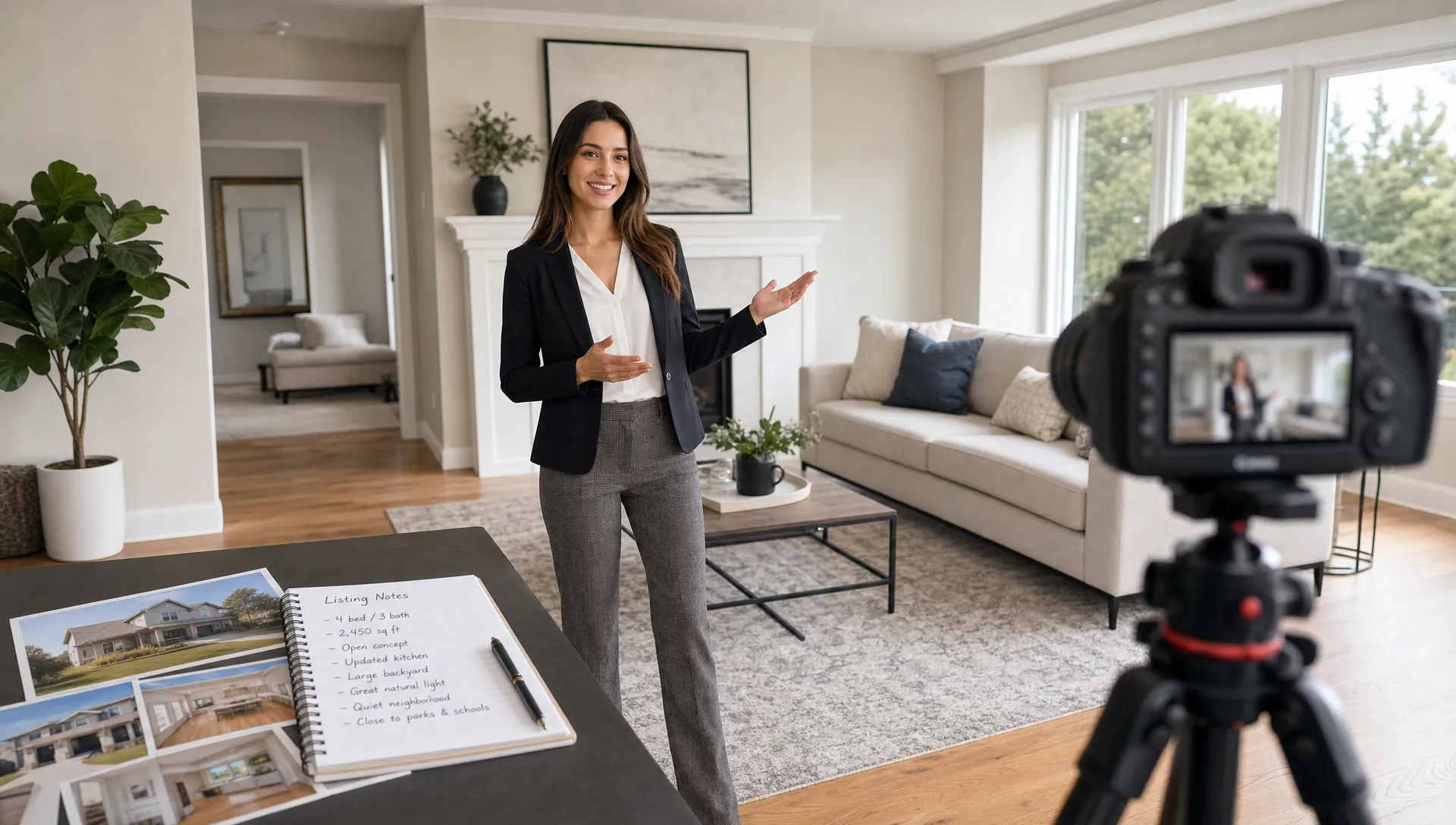
Think of the core video as your master asset. From that master, create channel-specific cuts with the same facts and a consistent message. This keeps production manageable while giving each platform the format it expects.
If you are comparing tools for this workflow, it is worth reviewing what matters in a real estate platform for listing video, including speed, branding control, formats and ease of publishing.
Use video to improve listing site performance, not just social reach
A social video that gets views but never sends qualified traffic to the listing is only doing part of the job. To support real estate listing sites, your videos should be measured against buyer actions, not only vanity metrics.
Track how video changes the quality and volume of engagement around the listing. If a property has strong portal views but few inquiries, the video may need to address hesitation, such as room size, layout, parking, outdoor space or renovation quality. If social reels get saves but no listing clicks, the call to action may be too weak or the link path may be too hard to follow.
| Signal | What it may mean | Video adjustment |
|---|---|---|
| High listing views, low inquiries | Buyers are curious but not convinced | Add a video explaining layout, updates or value compared with nearby homes |
| High social views, low clicks | The hook works, but the next step is unclear | Add stronger on-screen direction to view the full listing |
| Many saves, few showing requests | Buyers may be waiting or comparing | Publish a follow-up clip with urgency, open house details or standout features |
| Repeated buyer questions | The listing page does not answer something well | Create a short FAQ-style video for that topic |
| Seller concern about exposure | The seller cannot see the work behind marketing | Share campaign videos and performance updates |
This is where agents can stand out. Many listings have photos and a description. Fewer have a coordinated video plan that reacts to buyer behavior during the first week on market.
A practical workflow for busy agents
The main barrier to video is not usually creativity. It is time. Agents need a workflow that fits the pace of listings, price changes, open houses and client updates.
A realistic weekly process can be simple:
- Prepare the listing page first: Confirm the facts, photo order, description and showing details before creating the video.
- Choose one primary message: Decide what the right buyer should remember after watching.
- Create a master tour video: Build a 45 to 75 second version that explains the property clearly.
- Cut short versions for distribution: Adapt the video into vertical teasers, open house reminders and feature clips.
- Watch buyer behavior: Use listing views, saves, questions and inquiries to decide what video to post next.
Diane is built for this kind of listing workflow. Agents and agencies can turn listing details and photos into ready-to-publish real estate videos with AI narration, animated avatars, voice cloning, multilingual support, virtual staging options, cinematic editing, social formats, branding and direct social publishing. The point is not to make video a separate production project. The point is to make video a repeatable part of launching and promoting every listing.
For a faster production process, see this guide on how to create real estate videos for marketing in minutes.
Common mistakes when adding video to listing site marketing
Video can help a listing, but only when it is planned with the buyer journey in mind. Avoid these mistakes that often reduce impact.
- Publishing too late: The first days of a listing usually matter most. Video should be ready when the listing launches, not after interest slows.
- Using the same cut everywhere: A portal-friendly tour, social teaser and follow-up message have different jobs.
- Overloading the narration: Buyers do not need every detail read aloud. They need help understanding the home faster.
- Ignoring compliance: MLS, brokerage and portal rules should guide branding, music, contact details and staging disclosures.
- Forgetting the next step: Every video should make it easy to view the full listing, book a showing or ask a question.
The best listing videos feel useful. They do not just decorate the listing. They remove uncertainty, create interest and make the buyer more ready to take action.
Frequently Asked Questions
Can I add video directly to real estate listing sites? It depends on the site, MLS feed and your local rules. Some allow video or virtual tour links, while others display media differently after syndication. Check your MLS, brokerage policy and each portal's requirements before publishing.
Should video replace professional listing photos? No. Photos remain essential because buyers use them for detailed inspection and comparison. Video should work alongside photography by showing flow, scale, movement and the story of the home.
How long should a real estate listing video be? For a full property tour, 45 to 75 seconds is often enough to explain the home without losing attention. Short social teasers can be 15 to 30 seconds, while follow-up clips can be even shorter if they answer one question.
What should I say in the video if the listing description already says everything? Do not repeat the entire description. Choose the strongest buyer benefit, show the supporting rooms or features and explain why those details matter in daily life.
Can video help listings that are already getting portal views? Yes. If views are high but inquiries are low, video can address uncertainty. A layout walkthrough, feature explanation or open house reminder may help convert passive interest into action.
Bring video into your listing workflow
Real estate listing sites give your property visibility where buyers are already searching. Video gives those buyers a better reason to stop, understand the home and take the next step.
If you want to make listing video part of every launch without adding a full production process, Diane helps turn property listings into polished, branded videos for social media and listing marketing. Use your listing page as the foundation, then let video carry the story further.